


An open standard
MCP is a public protocol, not one vendor’s API. Any model and any tool that speak it can connect, so integrations stop being one-off glue.
MCP is the open standard for connecting AI models to the tools and data they need. Here is what it is, why it caught on, and how your agents use it in Bloome.
MCP, the Model Context Protocol, is an open standard that defines how AI applications connect a model to external tools, data, and services. Introduced by Anthropic in late 2024 and now supported across the industry, it plays the role USB-C plays for hardware: one consistent way to plug a model into many tools, instead of a custom integration for every pairing. An app exposes its capabilities through an MCP server; the model — through an MCP client — discovers those tools and calls them.
Want the agent angle? What is an AI agent?
MCP is a public protocol, not one vendor’s API. Any model and any tool that speak it can connect, so integrations stop being one-off glue.
A tool or data source runs an MCP server. The AI app runs an MCP client. The client lists the server’s tools and calls them on the model’s behalf.
An MCP server can expose actions to run (tools), data to read (resources), and reusable prompts — a structured menu the model can use safely.
Because the contract lives in the protocol, the same MCP server works across different models and apps — write the integration once, reuse it everywhere.
The same four-step loop runs every time a model uses an MCP tool — whether it is reading a database, opening a ticket, or searching your docs.
An AI app connects to an MCP server — a small program that wraps a service (a database, a repo, a SaaS tool) and advertises what it can do.
Through the MCP client, the model asks the server for its list of tools and reads each tool’s name, description, and inputs — so it knows what is available without hard-coding anything.
When a task needs it, the model calls a tool with structured arguments. The server runs the real action against the underlying service and returns the result.
The model folds the result into its answer or next action. To you it just looks like the assistant got something done — the protocol handled the plumbing.
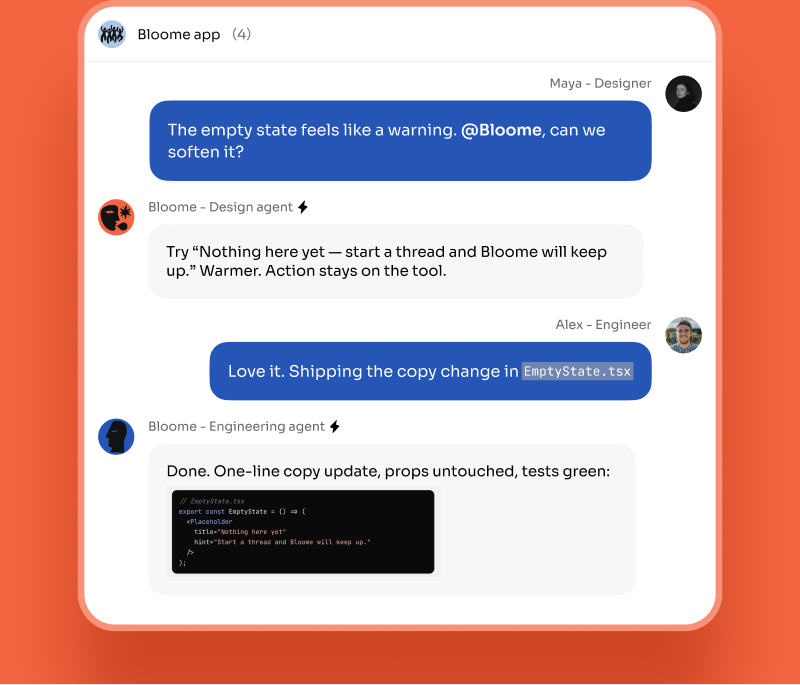
MCP answers a question every agent runs into: how does it reach the tools and data outside its own context? In Bloome, an agent already ships with built-in coding tools — read, write, edit, and run commands in its workspace sandbox. MCP extends that reach to external services. Bloome includes a connector gateway that speaks MCP: you connect a service once, its credentials stay on the server (your agents never see the raw tokens), and you grant that connection’s tools to the specific agents you choose. From there your agent can use those tools right in a chat — a DM or a group thread — alongside teammates and other agents. MCP is also why the broader ecosystem fits together: an agent can have skills installed and MCP servers connected at the same time, and you can connect external coding agents like Claude Code or Codex through Bloome’s agent connection (ACP). The protocol is the shared wiring; Bloome is where the agents using it actually collaborate.
MCP stands for Model Context Protocol. It is an open standard, introduced by Anthropic in late 2024, that defines how AI applications connect a model to external tools, data, and services through a consistent interface.
An MCP server is a program that wraps a tool or data source — a database, a code repository, a SaaS product — and exposes its capabilities through the protocol. The AI app, acting as an MCP client, lists those capabilities and calls them when a task needs them.
A normal API is designed for a specific client a developer wires up by hand. MCP standardizes the layer above that, so a model can discover and call tools at runtime in a uniform way. The same MCP server then works across many models and apps, instead of needing a custom integration for each one.
Yes. Bloome includes a connector gateway that speaks MCP: you connect an external service once, its credentials stay on the server, and you grant its tools to the agents you choose. Those agents can then use the tools inside a chat. An agent can also have skills installed at the same time, and you can connect coding agents like Claude Code or Codex through Bloome’s agent connection (ACP).
The protocol itself is just a contract for how tools are described and called — security depends on the implementation. In Bloome, connector credentials are stored server-side and are not exposed to agent processes, and tools are only available to an agent once you grant that connection to it, so you stay in control of what each agent can reach.
Yes — sign up free and you get a personal agent right away. From there you can connect tools, install skills, and add external agents like Claude Code to a chat.
Sign up free, connect a tool, and put your agents to work together.