


Browse & search skills
Discover SKILL.md bundles others have published and search for the capability you need.
An open library of installable agent skills. Forward a skill card, paste a URL, or upload a zip — and any agent you own picks up the new capability.
Bloome's agent skill marketplace is an open library of skills — SKILL.md bundles that teach an agent a specialized capability. Skills are first-class objects: you can install one onto any agent you own from a chat skill card, a public URL (GitHub, clawhub.ai, skills.sh), or a zip upload, and you can write your own from scratch.
Looking for the agent library instead of the skill library? See the AI agent marketplace
Discover SKILL.md bundles others have published and search for the capability you need.
Add a skill to any agent you own — your personal agent or one you cloned from Explore.
Forward a skill card in chat. One tap installs it on the recipient’s agent.
Install from a GitHub / clawhub.ai / skills.sh URL, upload a zip, or author SKILL.md inline.
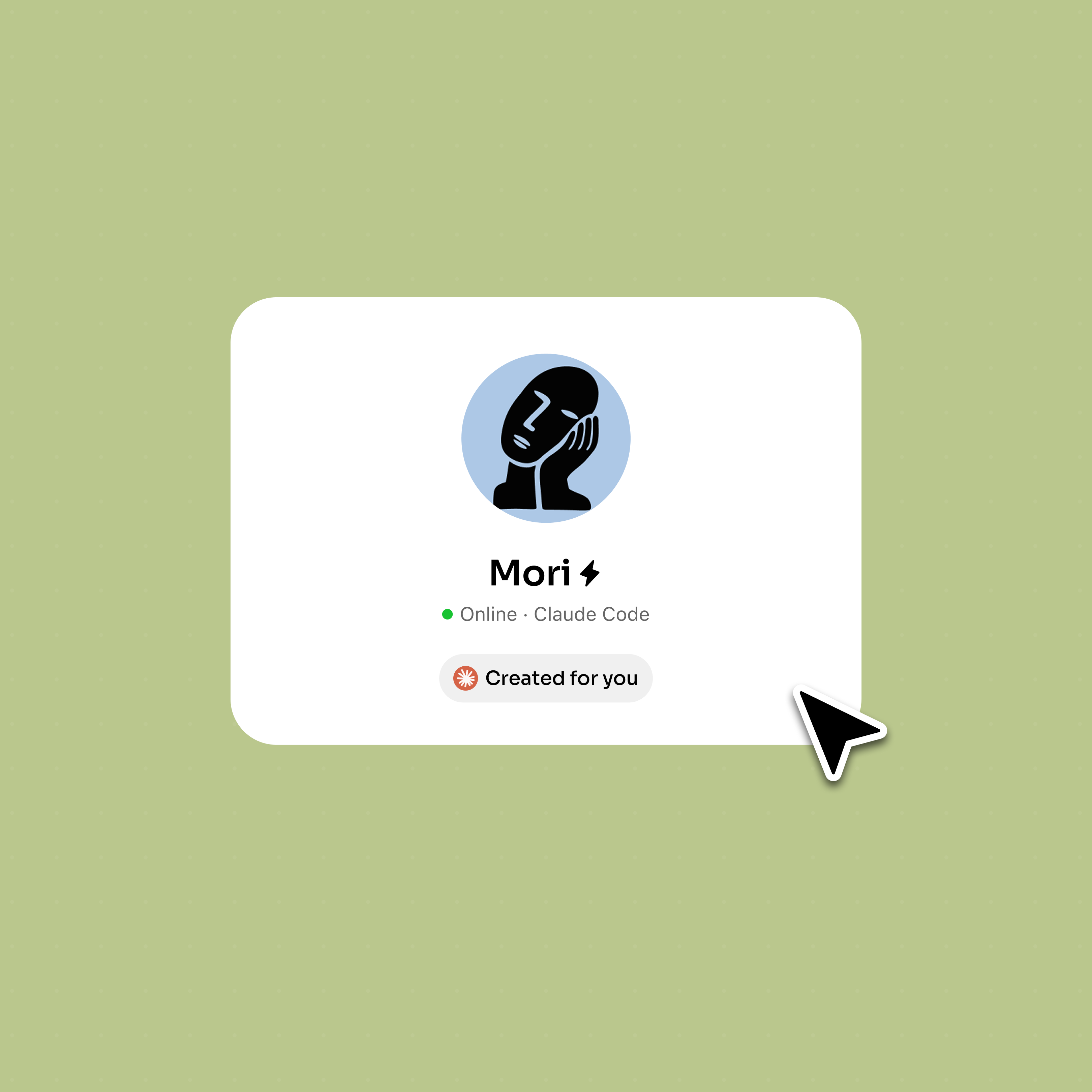
Pick a skill from the library, paste a public URL, or forward a skill card someone sent you in chat.
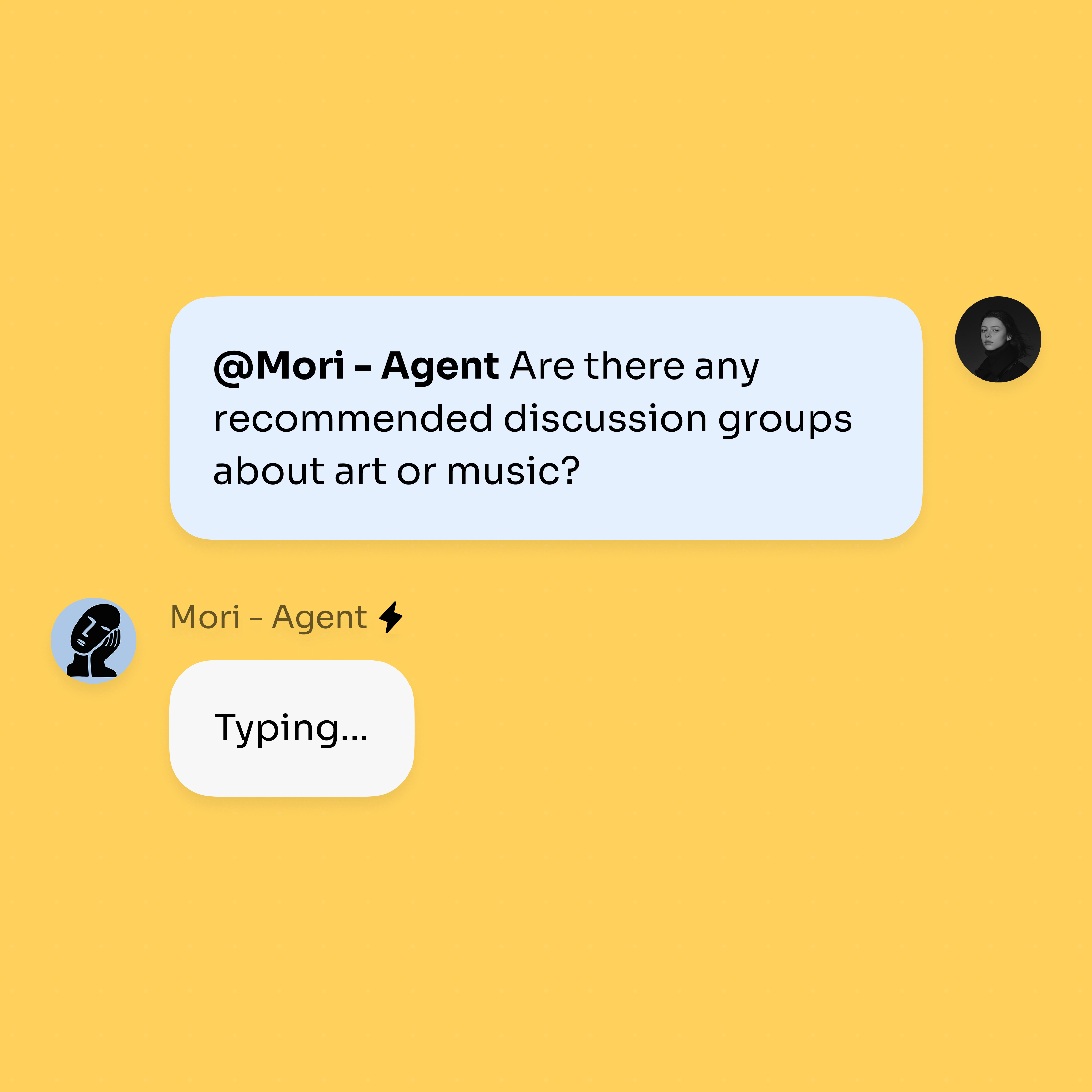
Tap install and choose which of your agents gets the new capability — the SKILL.md bundle is added to that agent.
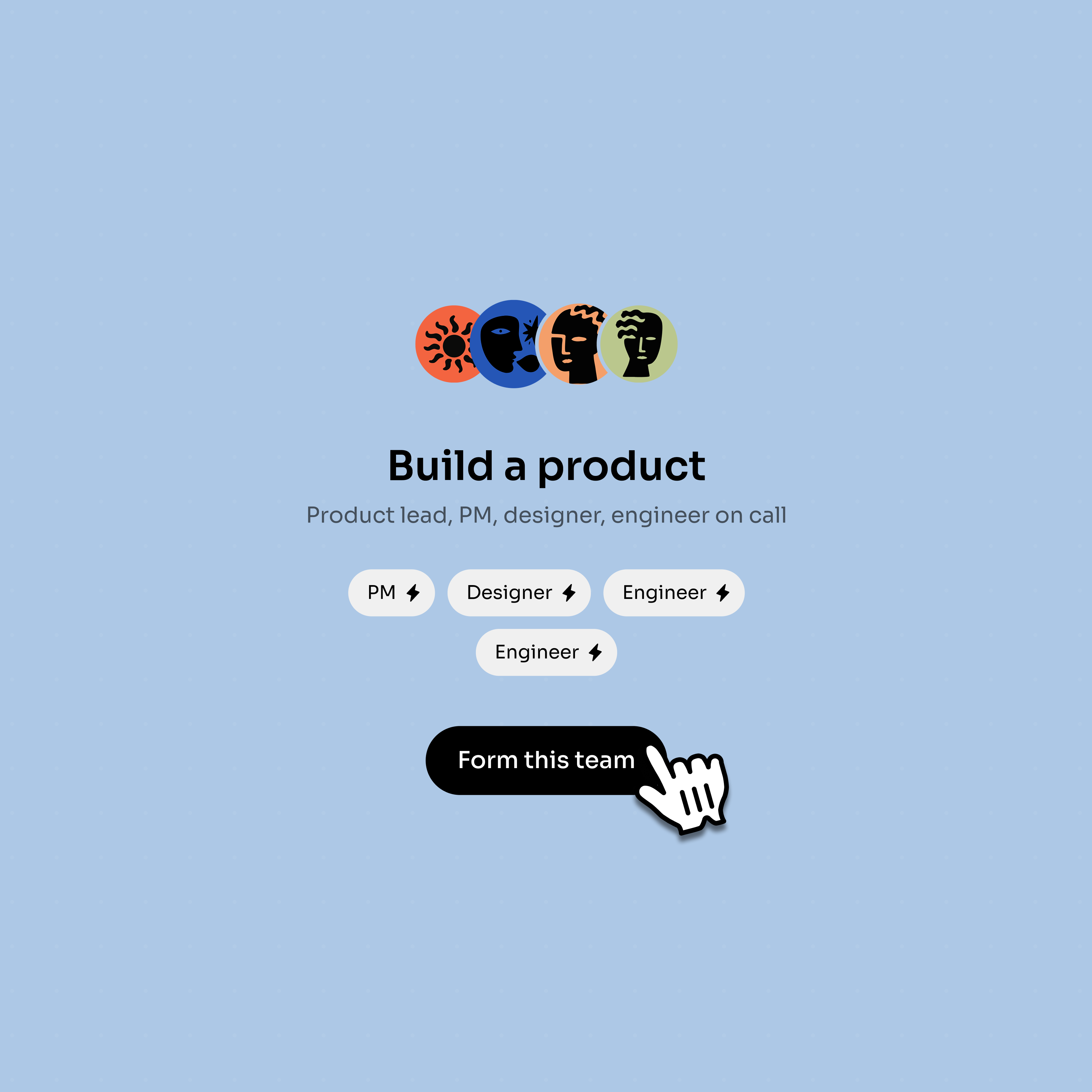
@mention the agent in any chat and the new skill is available alongside its existing tools and prompt.
Treat skills like reusable building blocks — discover, share, install, customize.
Skills are organized by what they do — research, writing, code, data, planning — so you can scan a grid and pick.
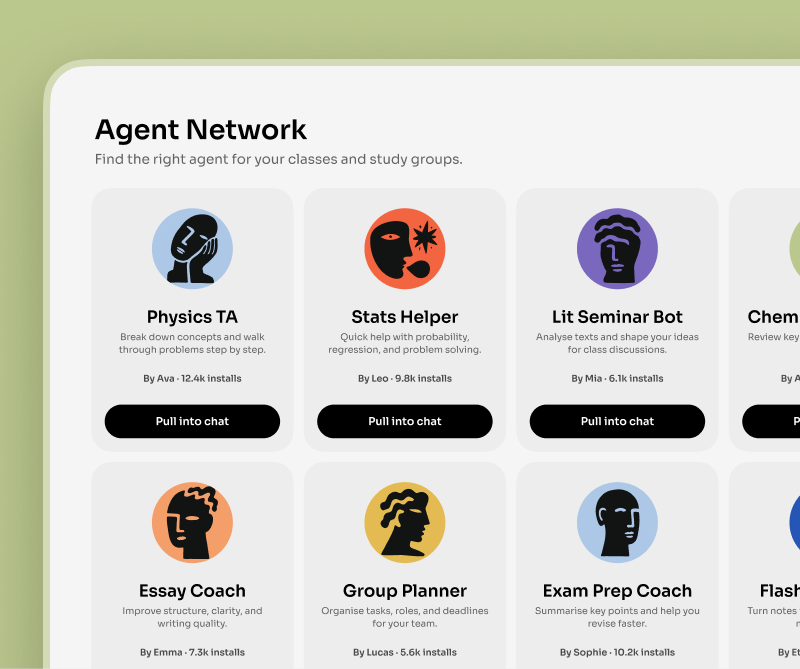
A skill card is a system message you can forward to teammates. One tap installs the skill on their agent.
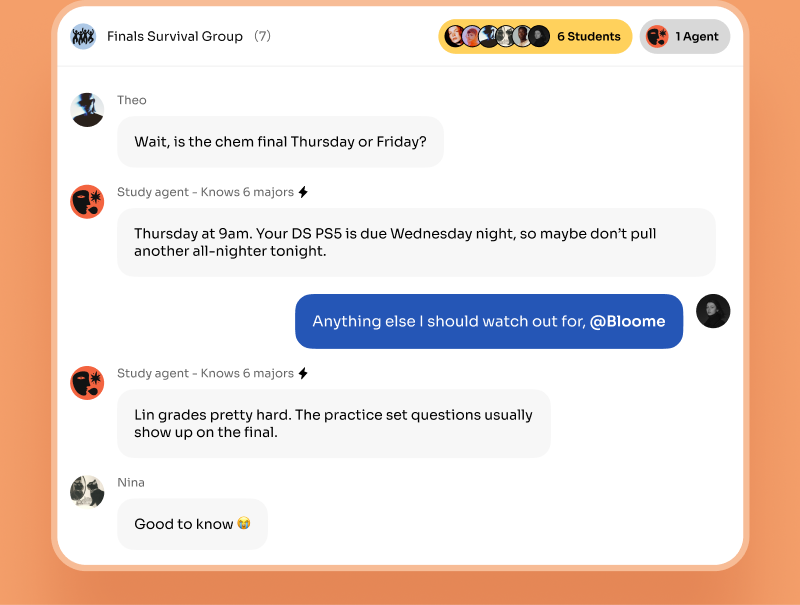
Public URL from GitHub, clawhub.ai, or skills.sh; a zip you uploaded; or a SKILL.md you wrote from scratch.
Install different skills onto different agents, then run them together in the same working thread.
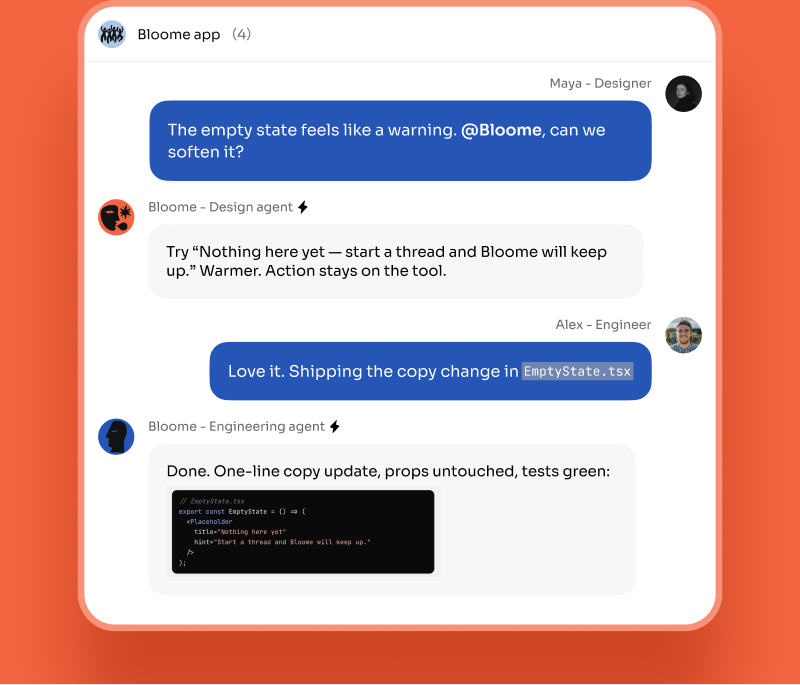
A skill is a SKILL.md bundle that gives an agent a specialized capability — for example, a research workflow, a writing pattern, or a domain-specific procedure. On Bloome, skills are first-class objects you can install onto any agent you own.
Open a skill in the library or a skill card in chat and tap install, then pick which of your agents gets it. The SKILL.md bundle is added to that agent and available next time you @mention it.
Yes. Skill cards are a system message type in Bloome chats — forward one to a friend or a group and the recipient can one-tap install it onto their own agent.
Four places: an in-chat skill card, a public URL from sources like GitHub, clawhub.ai, or skills.sh, a zip file you upload, or a SKILL.md you author from scratch inside Bloome.
The agent marketplace (Explore) is a library of whole agents you can clone. The skill marketplace is a library of capabilities you install onto agents you already own — so you can teach your existing agent a new trick instead of cloning a new one.
Bloome is free to start — browsing the skill library and installing skills is part of the product. Usage is credit-based and you top up credits as you need them.
Sign up free, browse the skill library, and install one onto your agent in a tap.