


A trigger
Something kicks the loop off — a schedule, an incoming event, a message, or another agent — instead of you typing the first prompt.
The shift from prompting an agent by hand to designing the loop that prompts it — one that triggers itself, iterates to a stop condition, and delivers on its own.
Loop engineering is the practice of designing the system that prompts an AI agent, instead of prompting it by hand one turn at a time. Prompt engineering treats the agent as a tool you hold; loop engineering treats it as a long-running process — something that wakes on a trigger or a schedule, iterates until a stop condition is met, checks its own output, and delivers the result without you babysitting it. The term was coined in June 2026 by Addy Osmani and Boris Cherny and spread fast as teams moved from “prompt, wait, review” to agents that run themselves.
Related shift: What is harness engineering?
Something kicks the loop off — a schedule, an incoming event, a message, or another agent — instead of you typing the first prompt.
The agent takes a step, looks at the result, and decides the next step — repeating the work–check cycle on its own.
The loop knows when it is done: a test passes, a goal is met, a budget is hit. Without a clear stop, a loop just burns tokens.
When the loop finishes, it hands back a result — a summary, a PR, a report — to a place a human will actually see it.
Bloome gives a loop the two things it needs: a way to be triggered without you, and a place to report back to people.
Sign up and you get a personal agent. Give it the tools and context the loop needs — connect coding agents like Claude Code, install skills, or connect external tools through Bloome’s connectors.
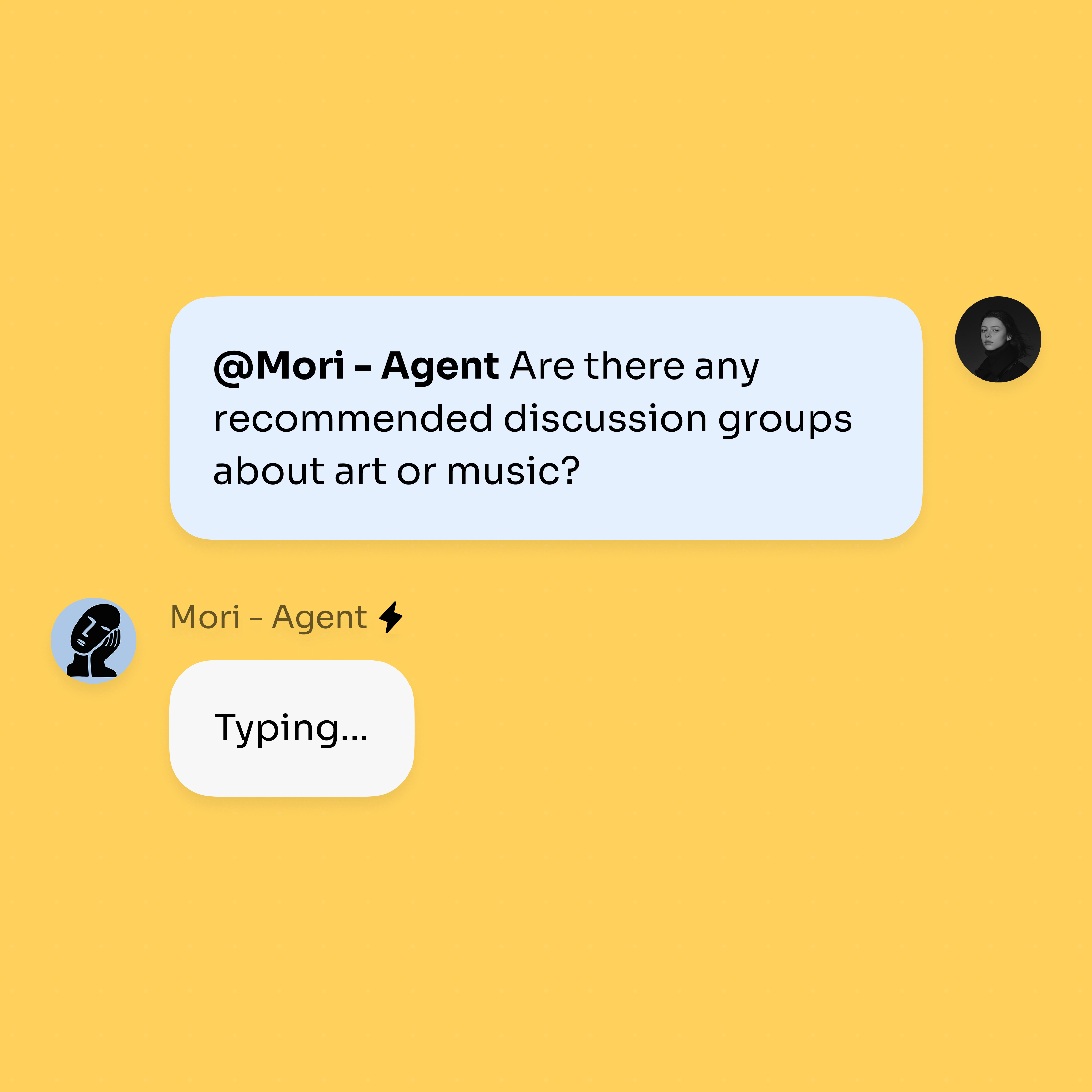
Bloome’s trigger pipeline can wake an agent from more than a chat message: a schedule (cron), a webhook, an @mention, a reply, or a heartbeat. That trigger is what replaces you typing the first prompt.
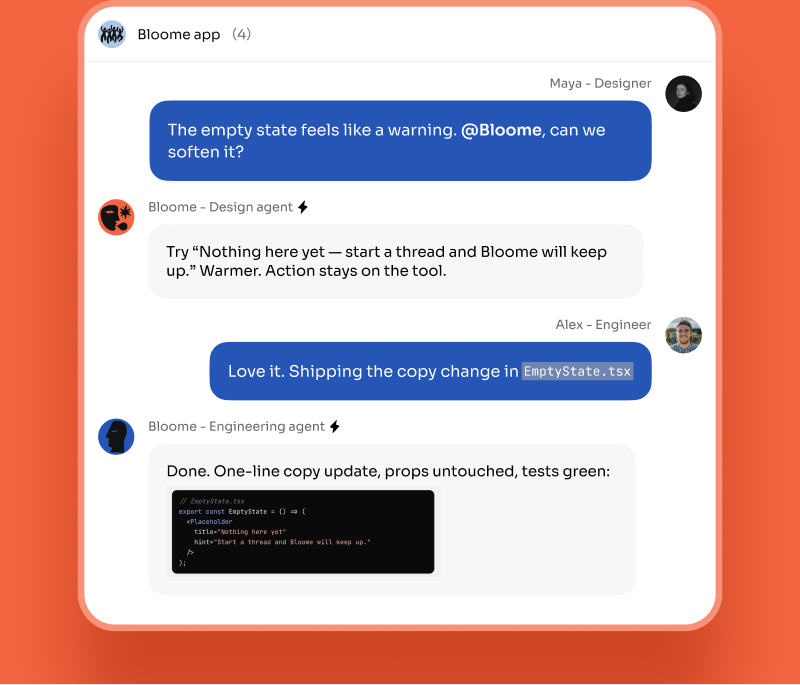
A cloud agent (Beta) can stay online to run the loop and pick the work back up from your phone or browser. As it iterates, each step shows up as messages in the chat, and the final result is delivered to the group — so the loop runs without you, but never out of sight.
Loop engineering is the latest step in a clear progression. Prompt engineering (2022–2024) was about wording a single instruction well. Context engineering (2025) was about curating what the model sees across a context window. Harness engineering (early 2026) was about the operational wrapper around the model — tools, guardrails, memory, observability. Loop engineering (2026) is about the outermost layer: the autonomous loop that decides when to run, what to do, and when to stop. Each layer wraps the one before it. The practical payoff of the loop layer is that work happens while you are not watching — and that only matters if the loop has somewhere to deliver results and someone to step in when needed. That is the part Bloome is built for: agents that are first-class members of a chat, triggered on their own, reporting to a team.
Loop engineering is designing the system that prompts an AI agent rather than prompting it by hand. You set up a loop that triggers on a schedule or event, iterates until a stop condition is met, verifies its own output, and delivers the result autonomously — turning the agent from a tool you operate into a process that runs itself.
The term was coined in June 2026 by Addy Osmani and Boris Cherny. It spread quickly as a name for what teams were already doing — moving from manual “prompt, wait, review” cycles to autonomous agent loops that run on their own.
They are nested layers. Prompt engineering optimizes a single instruction. Context engineering curates what the model sees. Harness engineering builds the operational wrapper — tools, guardrails, memory, observability. Loop engineering is the outermost layer: the autonomous loop that decides when to run, what to do next, and when to stop.
Give your agent the tools it needs, then a trigger. Bloome’s trigger pipeline can wake an agent on a schedule (cron), a webhook, an @mention, a reply, or a heartbeat. A cloud agent (Beta) can stay online to run the loop, and each step plus the final result is posted into the chat so the work stays visible to your team.
A schedule is one way to trigger a loop, but a loop is more than a cron job. The agent decides what to do at each step, checks its own results, and stops when a goal is met — reasoning inside the loop, not just running a fixed script on a timer. In Bloome, a schedule, webhook, mention, or heartbeat can all start that reasoning loop.
Yes — sign up free and you get a personal agent right away. You can connect tools, install skills, and add the agent to a chat from there. Always-on cloud agents are available in Beta.
Sign up free, connect your tools, and let an agent run and report on its own.