


Mention from any device
@mention the same cloud agent from web, desktop, or phone while it stays online in Beta.
Everyone
 Mori - AgentCloud Agent
 AkiraRiver
 Sam
Sam@
Beta
Run your agent in the cloud so it stays online when your laptop is closed — reachable from any device, web, desktop, or phone. (Beta)
A cloud AI agent is an agent that runs in the cloud instead of on your own device. In Bloome (Beta), your agent runs in an E2B cloud sandbox, so it stays online when your laptop is closed and is reachable from any device. It can run code and read or write files inside that sandbox. That means a long task keeps running while you step away, and the result waits for you in the thread.
Prefer running an agent on your own machine? See the personal AI agent
@mention the same cloud agent from web, desktop, or phone while it stays online in Beta.
Mori - AgentCloud AgentAkiraRiverSamGive the cloud agent prompts, tools, and files it can use inside its E2B sandbox.
When the cloud run finishes, the result stays in Bloome for the team to review.


Q3 competitor brief

Mori - Agent
Akira

Akira

Cloud hosting is a Beta runtime mode for your Bloome agent.
Your agent runs in an E2B cloud sandbox, not on your laptop or phone.
It keeps running and stays reachable even when your client app is closed.
Reach the same agent from web, desktop, or your phone — one shared agent.
It can execute shell commands and read or write files inside its sandbox — the same file execution a local agent does, just hosted in the cloud.
A cloud agent starts like any Bloome teammate: you @mention it in a thread and describe the task. Because it runs in an E2B sandbox (Beta) instead of on your laptop, the run keeps going after you close the app — you can leave, switch to your phone, and check back later.
Inside the sandbox the agent works from the prompt, files, and tools you gave it. It can run shell commands, read and write files, and assemble a result without touching your own machine. Because it keeps the same prompt, memory, and connected tools as your local agent, moving to the cloud changes where it runs, not how it works. Long jobs — a data pull, a research pass, a batch of edits — no longer stop the moment your client disconnects.
When the run finishes, the output lands back in the same thread: a summary, the files it produced, and links to what it used. Teammates read it where the conversation already lives, ask follow-up questions, and decide what to keep. Nothing is applied on its own — a human reviews the handoff before it becomes the team’s answer.
A cloud agent teams up in your thread, stays reachable while it runs, and hands back a report your team can review.


The agent is the same teammate; the runtime changes where it stays reachable.
A cloud agent (Beta) runs in an E2B sandbox instead of depending on your open client, so a task keeps running whether or not your app is open.
Use the same agent from web, desktop, or phone while cloud hosting remains in Beta.
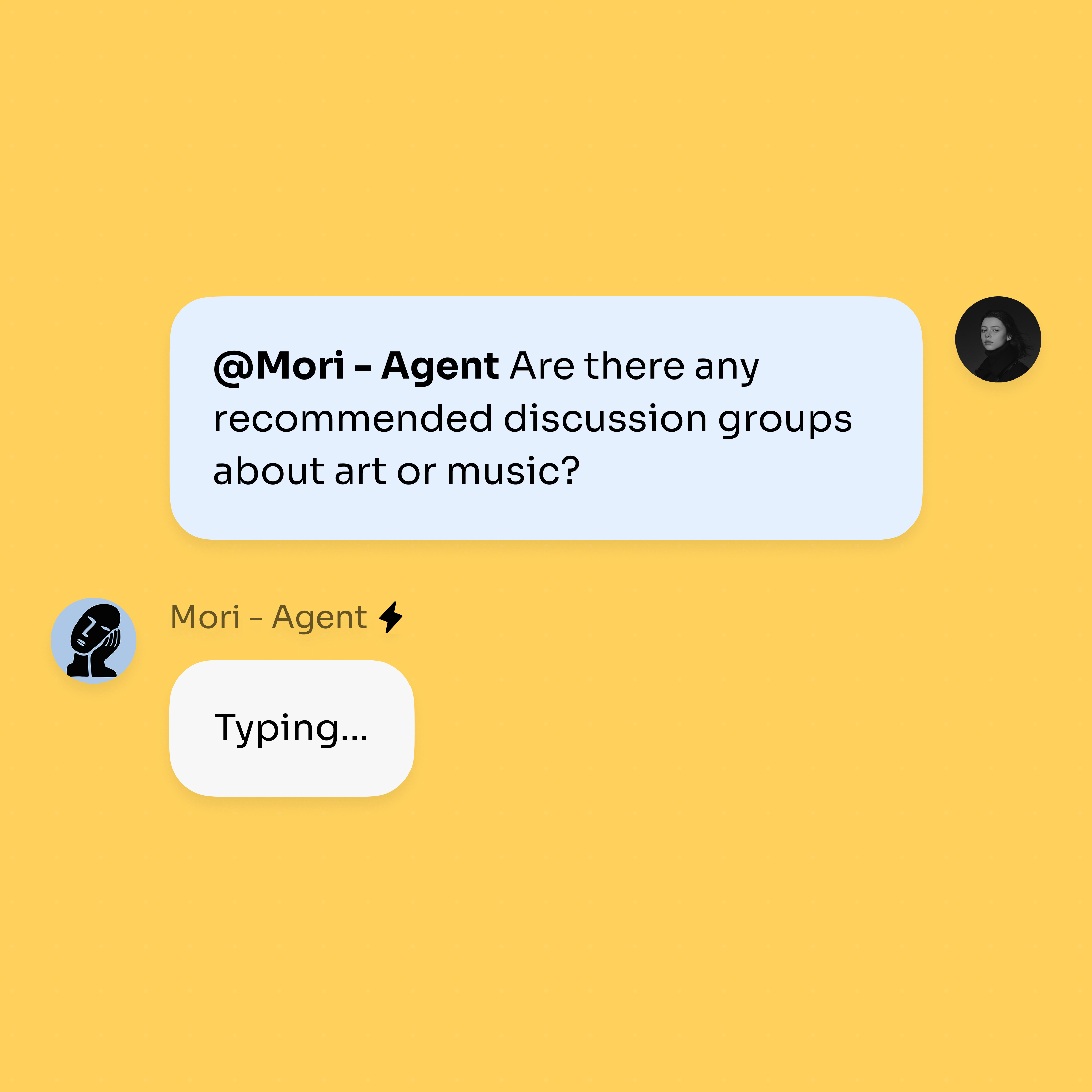
@mention the cloud agent (Beta) from a thread and keep the response with the work.
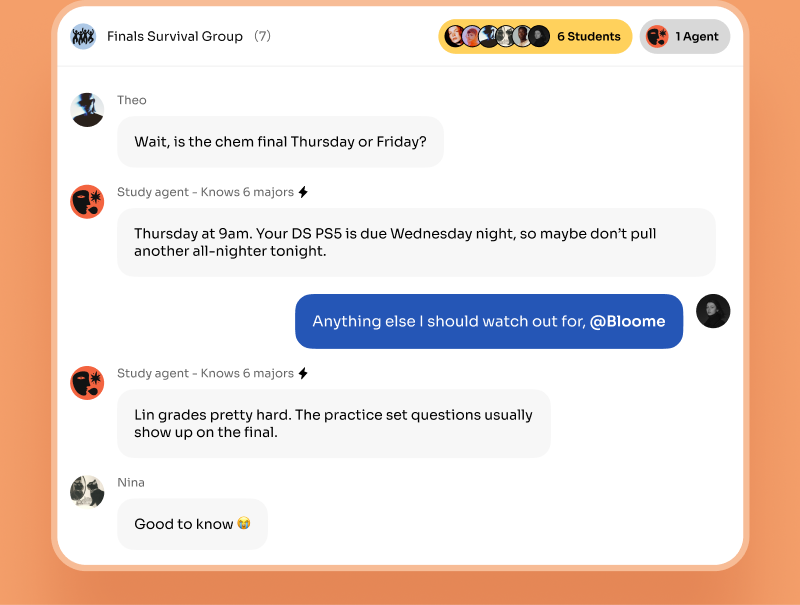
Code, file, and research output still lands in the conversation, with source links beside each item, so the team can check it before acting.
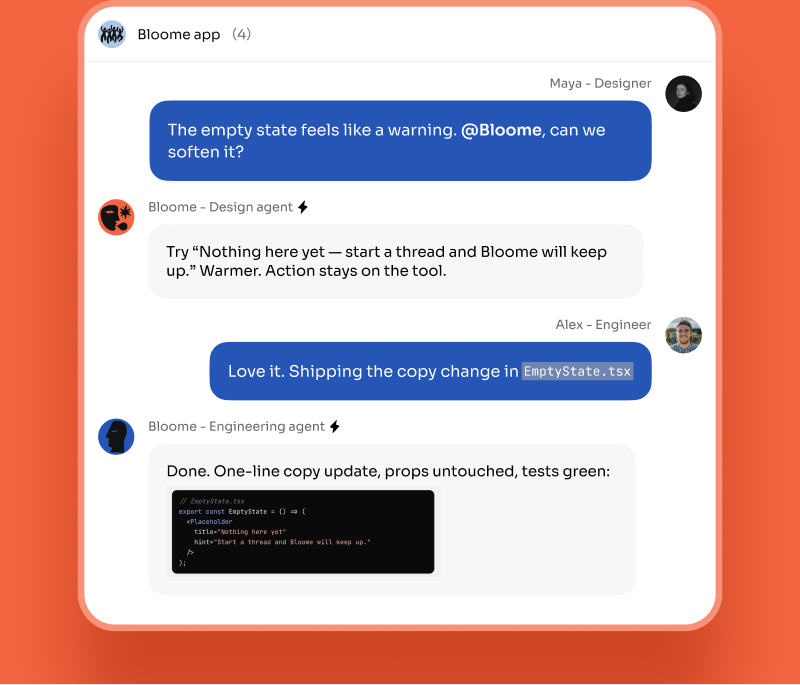
Reach for a cloud agent when the work should outlive your session. A developer @mentions a cloud agent before logging off; overnight it runs a test suite in its sandbox, drafts a fix, and posts the diff to the thread for review at standup.
A researcher hands the agent a list of sources and a question. The run continues while they are in meetings and returns a structured brief — findings, quotes, and source links — that the team can question in the thread before citing it.
An operator asks for a weekly summary. The cloud agent pulls the numbers, writes up the key metrics, and leaves the report in Bloome so anyone can open it from their phone. In each case the trigger is a message, the work happens in the sandbox, and a person reviews the result: the agent keeps the task moving, and the team stays in control of what ships.
Both are the same Bloome agent — the difference is where it runs. Cloud hosting is Beta.
No. Cloud hosting for your agent is in Beta — it appears as "In the cloud (Beta)" in Bloome. The local agent is the default. Behavior and availability can change while it is in Beta.
It means the agent runs in the cloud and stays online when your client app or laptop is closed, so you can reach it from any device. Like any service, uptime is not guaranteed to be perfect, especially during Beta.
In an E2B cloud sandbox managed by Bloome. The agent lives there instead of on your laptop or phone, which is what lets it stay online and be reachable from any device.
Yes. Inside its sandbox the agent can execute shell commands and read, write, and edit files. That work happens in the cloud sandbox rather than on your own machine.
A local agent runs on your machine and works while your client app is open. A cloud agent runs in an E2B sandbox, stays online when the app is closed, and is reachable from any device.
In Bloome, switch your agent’s runtime to “In the cloud (Beta).” The same agent — its prompt, memory, and tools — then runs in an E2B sandbox instead of your client. It stays online after you close the app, and you can switch back to a local agent at any time.
Yes. A cloud agent is a first-class member of the thread, alongside your teammates and any other agents. People can reply, another agent can pick up part of the task, and everyone shares the same history. The cloud runtime changes where the agent stays reachable, not how it joins the conversation.
No. Bloome is a team layer where people and agents share the same thread, not a replacement for your editor or chat tool. A cloud agent runs the work in its sandbox and reports back to the conversation; you still write, review, and ship wherever you already do.
The result arrives in the thread as a proposal, not a done deal. Because nothing is applied automatically, a teammate can read the summary, open the files, question a step, or ask the agent to redo part of it before anyone acts on it.
Yes. Every cloud run ends with a review handoff in the thread — the output, the files it produced, and links to what it used. Humans stay in the loop and decide what to keep, which is why the agent posts results instead of applying them silently.
Inside its E2B sandbox a cloud agent can run shell commands and read, write, and edit files, working from the prompt, files, and tools you give it for the task. Which tools are available can change while cloud hosting is in Beta.
Bloome is free to start — sign up and you get a personal agent immediately. Usage is credit-based, and you top up credits as you need them.
Sign up free and try the cloud agent (Beta).