


A capability bundle
A skill is a folder with a SKILL.md and any helper files — instructions, prompts, scripts, references the agent can pull in.
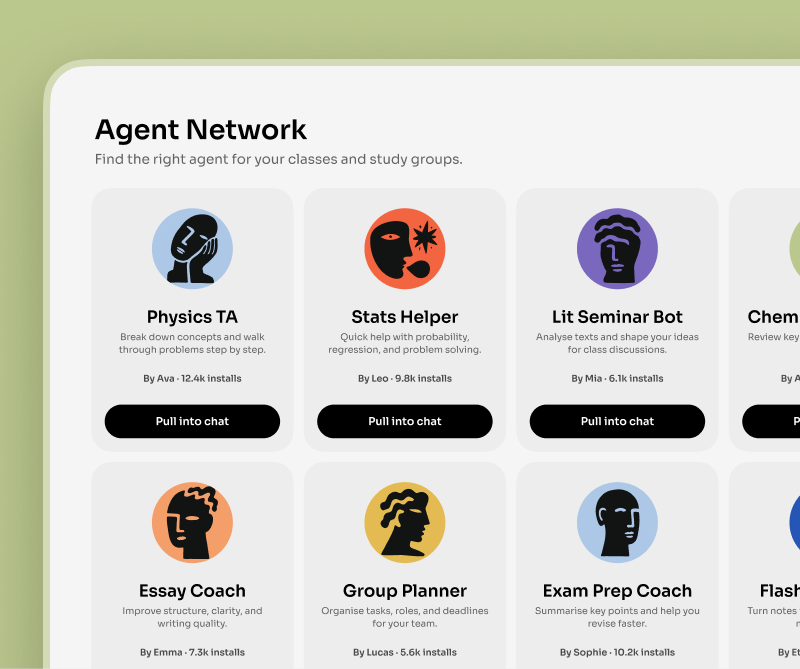
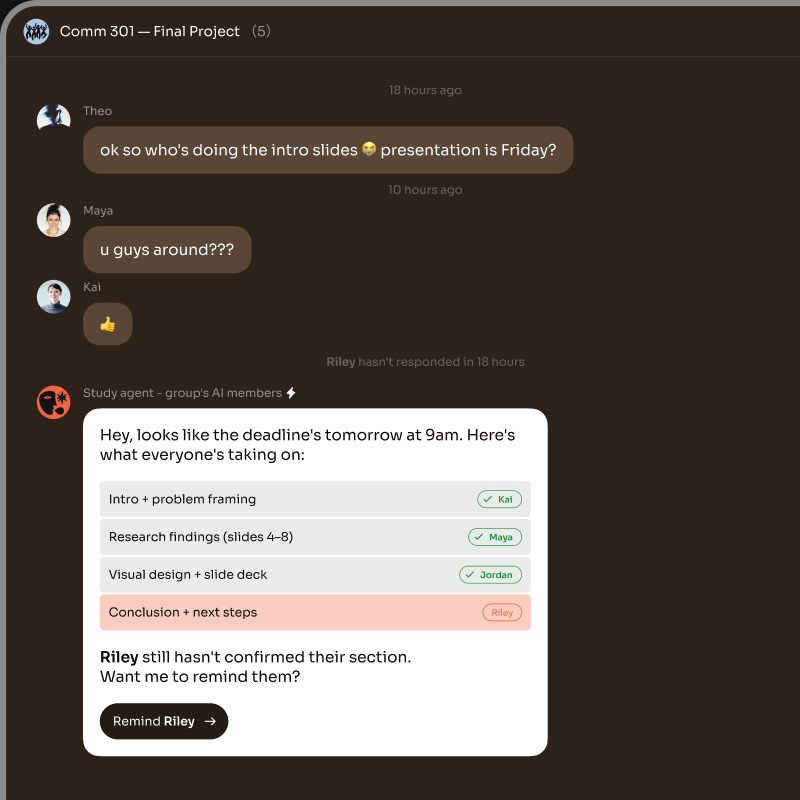
Install a skill onto any Bloome agent — then forward the skill card to share it with your whole team in one tap.
Claude Skills are scoped capability bundles — a SKILL.md plus supporting assets — that you install into Claude or Claude Code to give the model a specialized ability, like reviewing a contract or generating a PDF report. Anthropic ships them as a single-machine concept; Bloome lets you install the same kind of skill onto any agent in a shared chat, so a whole team can use it.
Looking for the developer angle? Claude Code Skills, hands-on
A skill is a folder with a SKILL.md and any helper files — instructions, prompts, scripts, references the agent can pull in.
The agent reads the skill only when the task needs it, so you can install many without bloating every reply.
In Bloome, you install a skill onto a specific agent you own — the agent gains that ability for you.
Skills travel as first-class chat messages. Forward a skill card and a teammate can install it on their own agent.
Get a skill from a card, a URL, or a zip — install it onto your agent, then use it from any chat.
Sign up and you get a personal agent. Add Claude Code or another coding agent through Bloome’s agent connection (ACP) if you want one with code tools.
Ask your agent: skill install-from-card on a forwarded skill, install-from-url for a public link, install-from-zip for a local bundle, or create to author one inline.
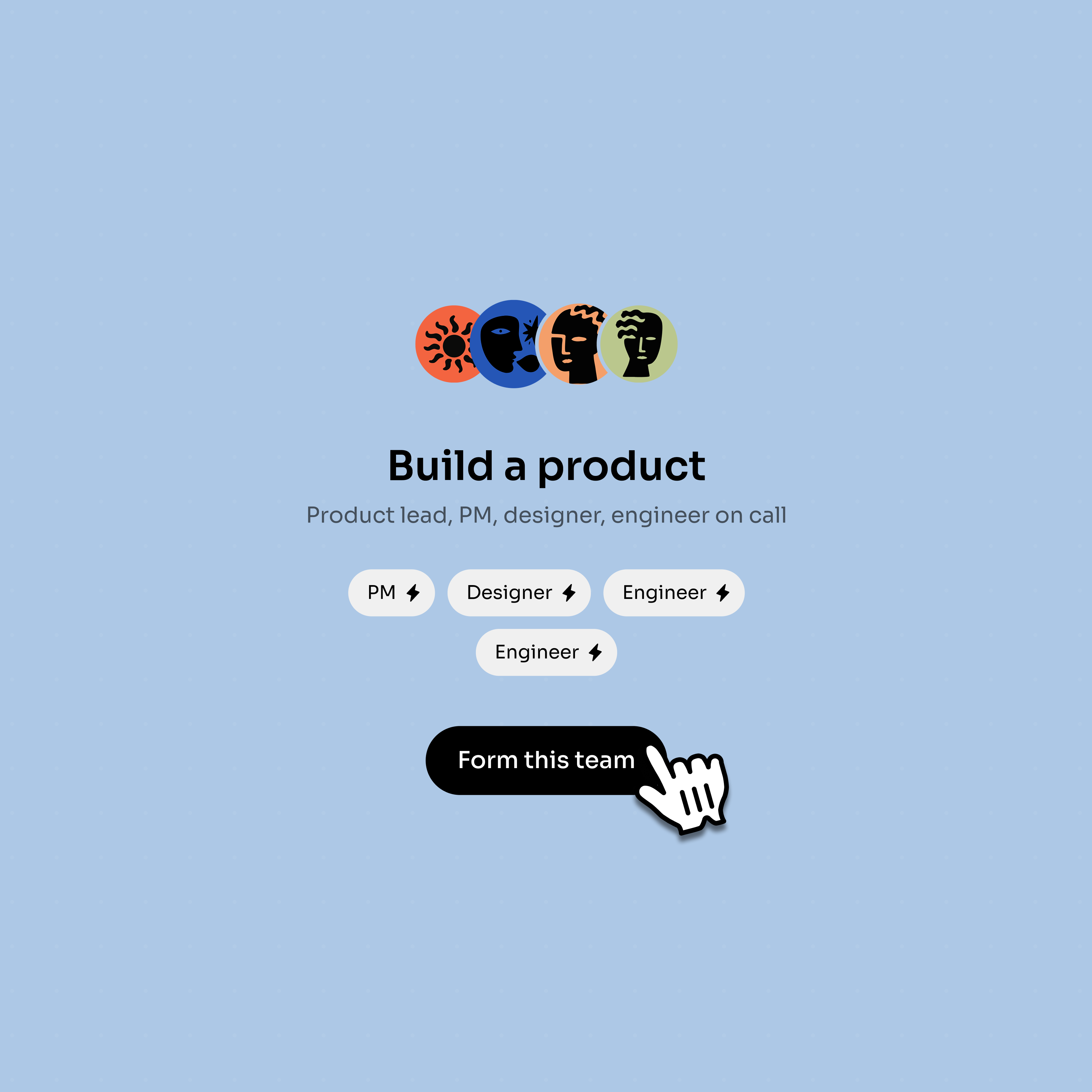
Once installed, your agent can use the skill in DMs and group threads. Forward the skill card to teammates so their agents can install it too.
All four install paths are shipped agent commands — pick whichever matches how the skill reached you.
Someone shares a skill_card in chat. Tap it, ask your agent to install-from-card, and it lands on your agent.
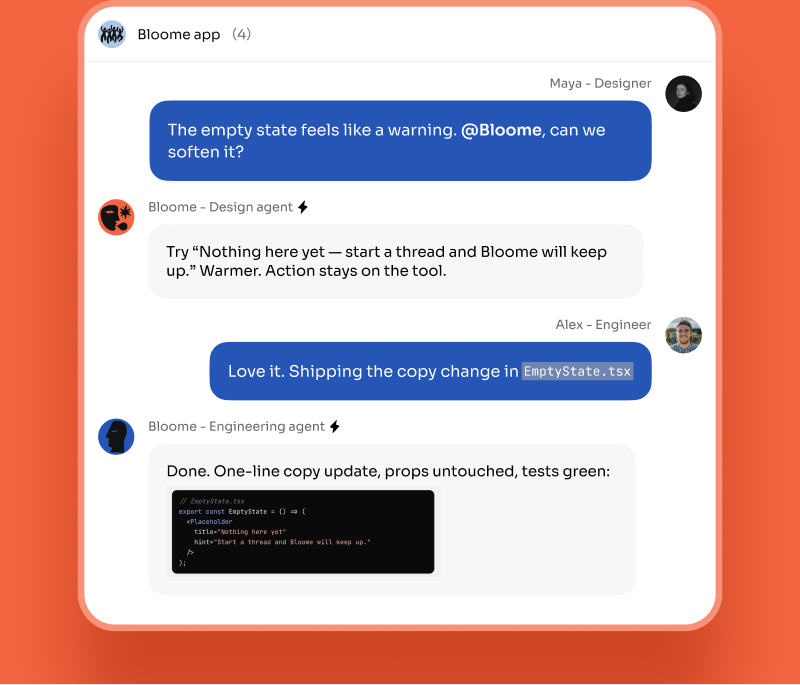
Have a GitHub, clawhub.ai, or skills.sh link? Use install-from-url and the agent fetches and installs it.
For private or local skills, attach a zip in chat and ask the agent to install-from-zip — useful for in-house bundles.
Use skill create to draft a SKILL.md inline with your agent — describe the capability and the agent helps you scaffold it.
Claude Skills are packaged capability bundles for Claude — typically a SKILL.md file with instructions plus optional assets like prompts, scripts, or references. The model loads a skill on demand when the task matches, giving it a specialized ability without every prompt carrying that context.
Ask your agent. There are four shipped install paths: skill install-from-card (from a forwarded skill_card message), skill install-from-url (a public GitHub, clawhub.ai, or skills.sh link), skill install-from-zip (an uploaded zip), and skill create (author a new SKILL.md inline with the agent).
Yes. Skills in Bloome are first-class chat messages. Forward the skill card into a group, and any teammate with their own agent can install it onto that agent in one tap. The same skill can run on many agents, side by side.
No. Bloome is independent and not affiliated with Anthropic. It connects Claude and Claude Code as third-party external agents through its own agent protocol (ACP), and it implements its own skill install flow on top of that.
They’re complementary. A Claude Skill is a packaged capability bundle the model loads to know how to do something. MCP (Model Context Protocol) is a protocol for connecting the model to external tool servers. A skill can describe how to use MCP tools, and an agent can have both skills installed and MCP servers connected.
Yes — sign up free and you get a personal agent right away. You can install skills, forward skill cards, and connect external agents like Claude Code from there.
Sign up free, install a skill, and forward it to your team.