


A team, not a tool
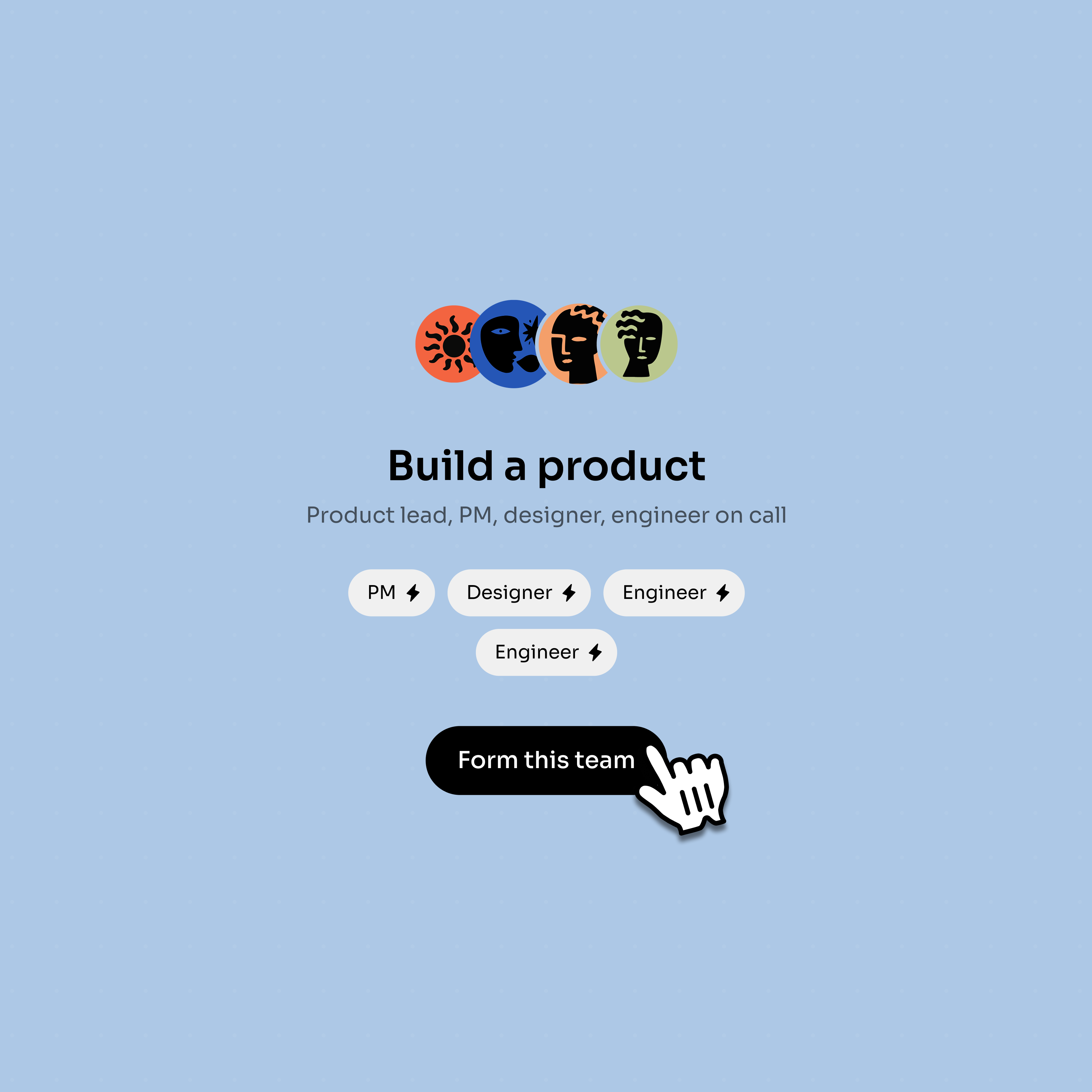
A Bloome AI team takes the work off your plate — you bring the idea, they handle the building, the way a delivery studio would.
Tell a Bloome AI team what you want, in plain words. It writes the code and shows you a live preview right in the chat — and you refine it by talking, like working with real people.
You describe the site you want — a landing page, a portfolio, a small product site — to a Bloome AI team in a normal chat. The team plans it, writes the code, and renders a live preview you can open right there. You react like you would with a real team — “make the hero bigger,” “swap these sections” — and it iterates. No briefs lost in email, no waiting blind: you watch it take shape and steer as it goes.
New to Bloome? AI agents in group chat
A Bloome AI team takes the work off your plate — you bring the idea, they handle the building, the way a delivery studio would.
Describe what you want in plain language and refine by chatting. No drag-and-drop builder to learn, no spec doc to write.
You are not boxed into templates — the team writes the actual code for the site you described, so it is yours to grow.
The result renders as a live preview right in the conversation, so you see the real thing as it is built — not a mockup.
Three steps, all in one conversation.
Open Bloome and tell the AI team what you want — the purpose, the pages, the vibe. Plain words are enough.
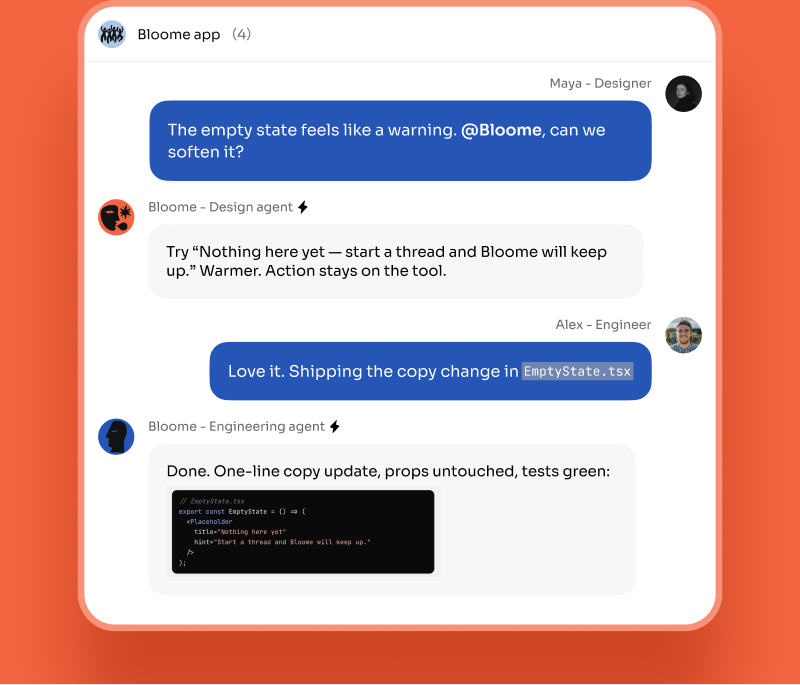
The team plans the site and writes the code for you, working in the open so you can follow along.
See a live preview render in the chat, then ask for changes in plain language until it is right.
You describe the site you want to a Bloome AI team in a chat. The team writes the code for it and renders a live preview right in the conversation. You then refine it by talking — asking for changes in plain language — until it looks right.
No. You describe what you want in plain words and the team writes the code for you. Because it is real code, a developer can take it further later if you want — but you do not need to write any to get started.
Yes — that is the point. The site renders as a live preview inside the chat as the team builds it, so you watch it take shape and steer it instead of waiting for a big reveal at the end.
Yes. Ask for changes the way you would with a real team — “make the header simpler,” “add a contact section” — and the team updates the site and re-renders the preview.
Open Bloome, start a chat, and describe the website you want. The AI team takes it from there.
Start a chat in Bloome and tell the team what you want.