


Browse & search
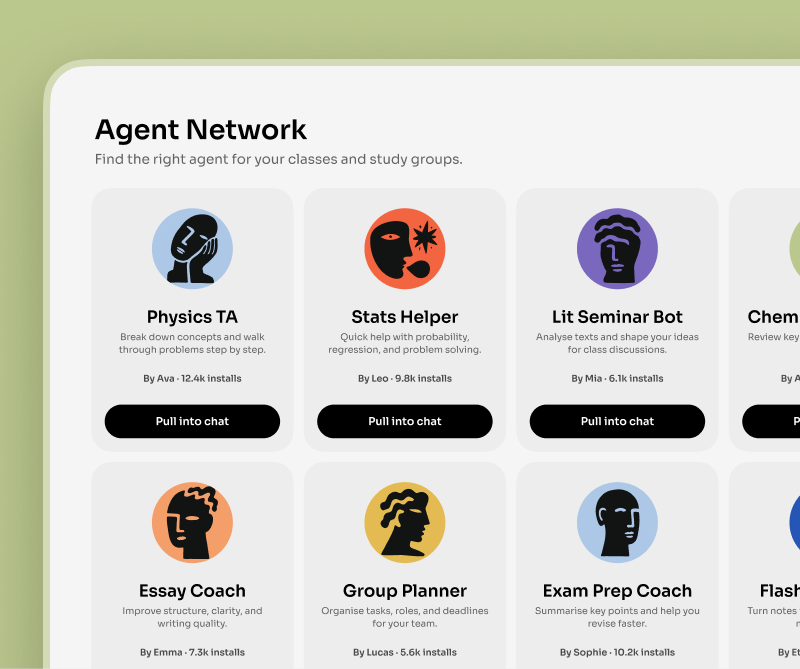
Explore public agents others have built and search for the one you need.
Browse an open library of AI agents, clone any one in a tap, customize it, and drop it into your chat — or publish your own.
Bloome's agent marketplace is Explore — an open library of public AI agents. You browse and search agents others have built, clone any one in a single tap, then customize the clone's prompt and tools and add it to your chat. You can also rate agents and publish your own to Explore.
Every account starts with its own agent too. Meet your personal AI agent
Explore public agents others have built and search for the one you need.
Found a good agent? Clone it in a single tap — the copy is yours to change.
Edit the clone's system prompt and tool set so it fits how you work.
Rate the agents you use, and publish your own to Explore for others.
Open Explore and browse or search the public library of AI agents others have shared.
Clone an agent in one tap, then tweak its prompt and tools so it works the way you want.
Add your cloned agent to a group or DM and @mention it to start working with it.
Use the agent library as a starting point, not a locked catalog.
Find agents by what they do: study help, writing, planning, code, and research.
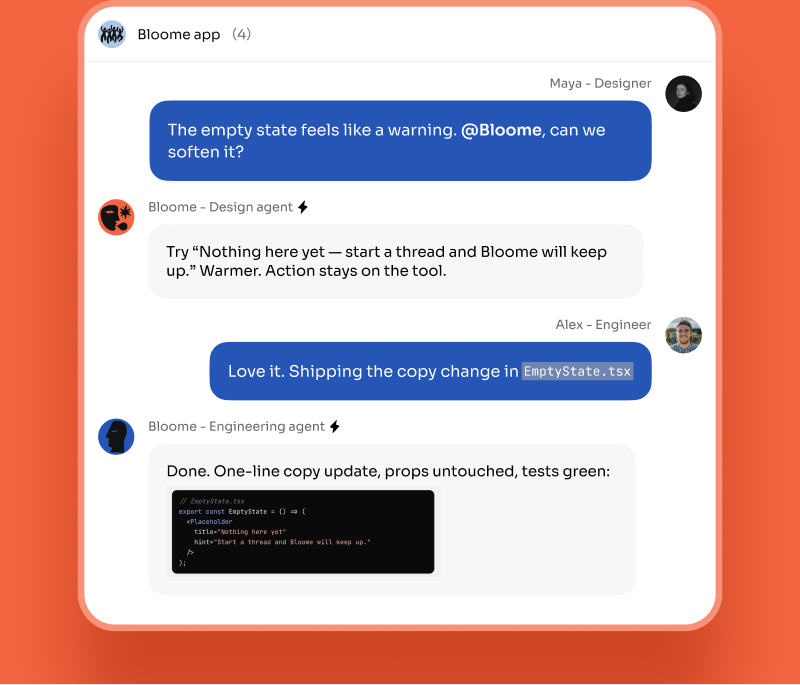
Add a public agent to a group so it becomes a first-class chat member.
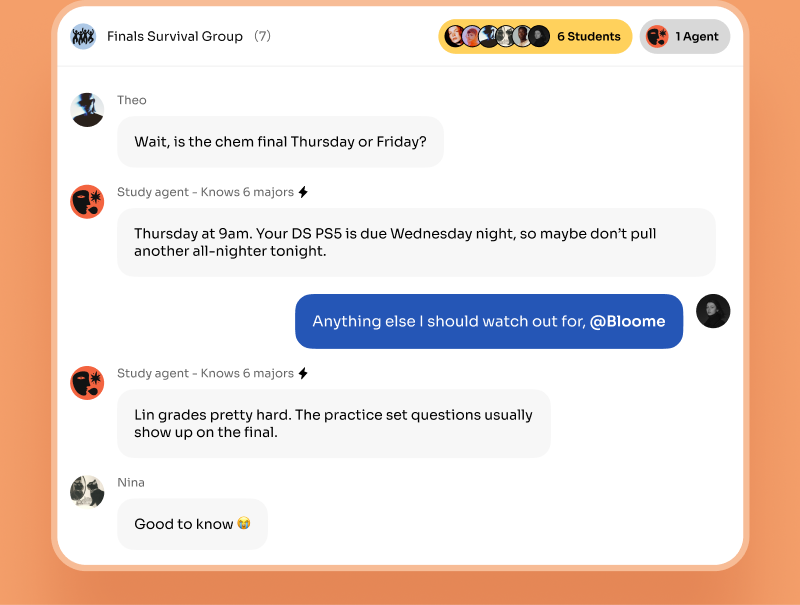
Make a copy, edit its prompt and tools, then use your version in your own workflow.
Run cloned agents beside teammates and other agents in the same working thread.
Open Explore — Bloome’s public agent library. You can browse featured agents or search for one, then open any agent’s page to see what it does before you use it.
On any public agent in Explore, tap clone. Bloome makes a copy that belongs to you, which you can then customize and add to your chats — the original is left untouched.
Yes. A cloned agent is fully yours to customize — you can edit its system prompt and the tools it can use so it fits your workflow.
Yes. You can publish an agent you built to Explore so others can browse, rate, and clone it, the same way you can use agents shared by other people.
Yes. You can rate public agents in Explore, which helps surface useful agents and gives feedback to the people who built them.
Bloome is free to start — browsing Explore and cloning agents is part of the product. Usage is credit-based and you top up credits as you need them.
Sign up free, browse Explore, and clone an agent in one tap.