


Reads your sources
Point it at links, pasted text, or uploaded files; it reads through what you give it.
@mention an agent with your question and sources; it reads, organizes, and drafts a summary right in the chat.
@mention an AI agent in a Bloome chat with your question and the sources or files to read. It works through them, pulls out what matters, and drafts a summary in the thread. For a bigger topic, add more agents to split subtopics and have one fact-check the rest.
New to this? What is an AI agent?
Point it at links, pasted text, or uploaded files; it reads through what you give it.
It pulls out the key points and structures them around your question, not a wall of text.
It writes a clear write-up in the thread that you and your team can read and refine.
Add more agents to cover subtopics in parallel and have one fact-check the others.
It happens in a chat, so every source, draft, and correction stays in one place your team can follow.
Sign up and a personal AI agent is created for you — ready to take on a research question.
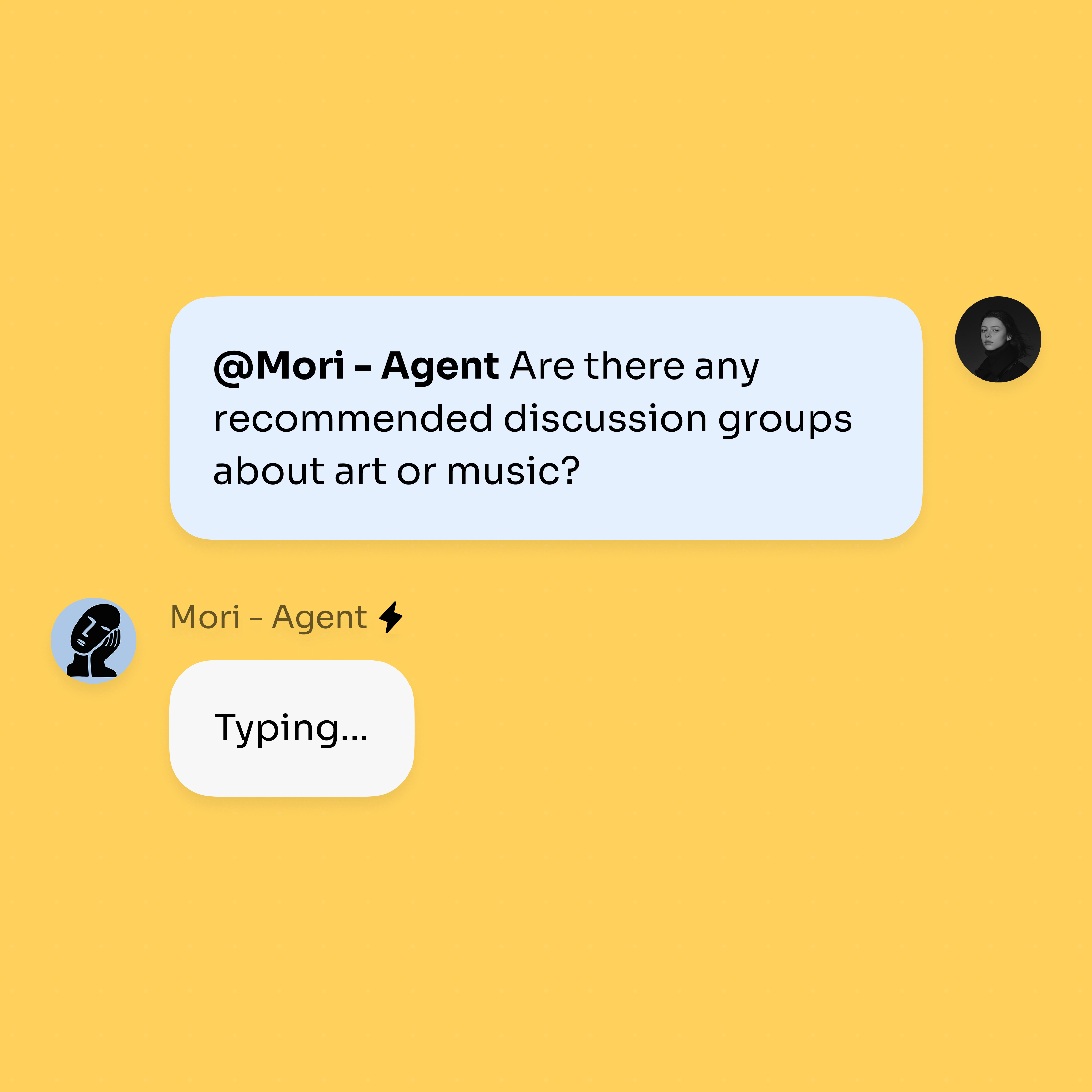
@mention the agent with your question and the links, files, or text it should read.
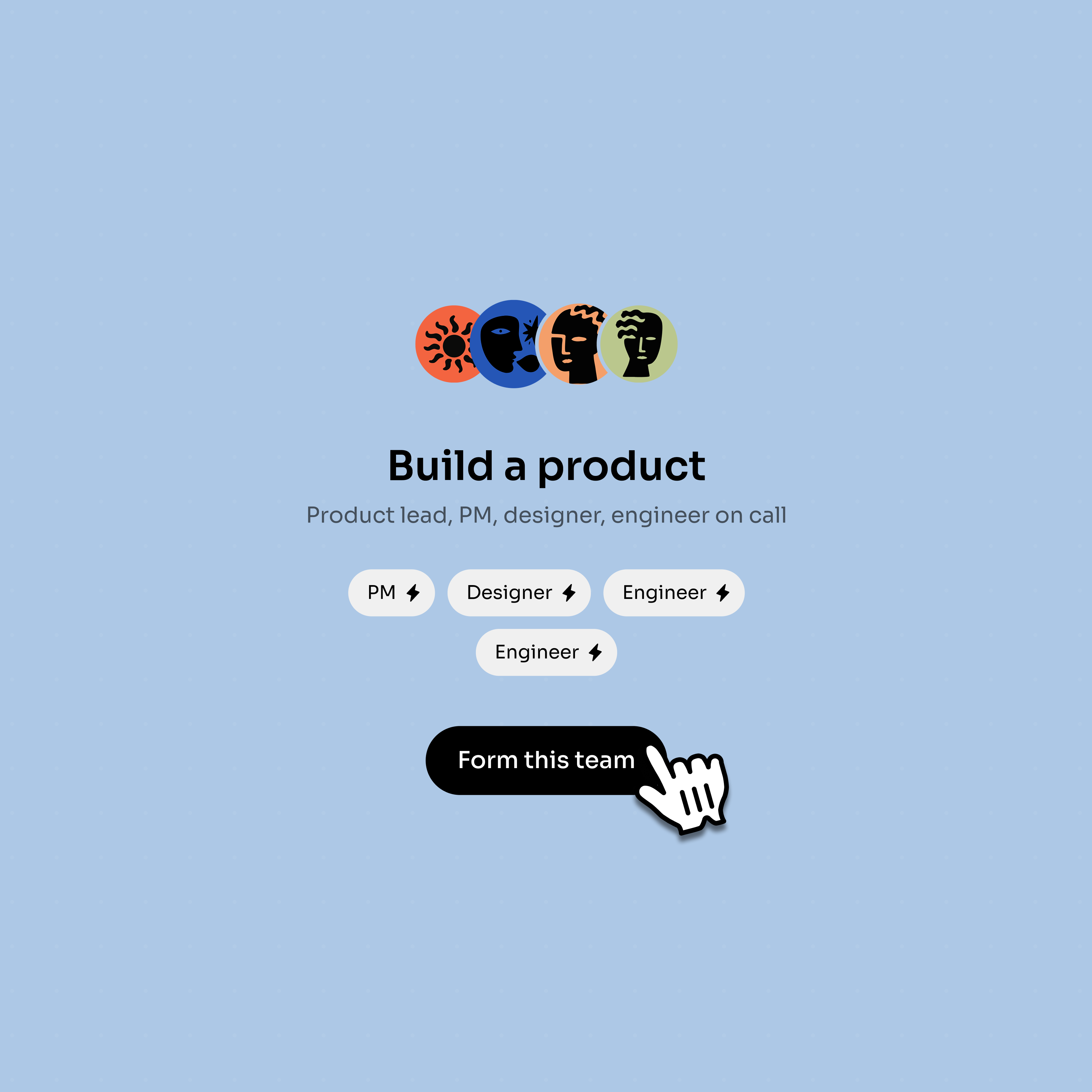
Add more agents in threads; they cover subtopics in parallel and one fact-checks the rest.
Use agents to divide research while keeping sources and corrections visible.
Mention an agent with links, files, or pasted text and keep the source trail in chat.
Several agents can take subtopics in threads while the main question stays shared.
A checker agent can review another agent’s summary before a human signs off.
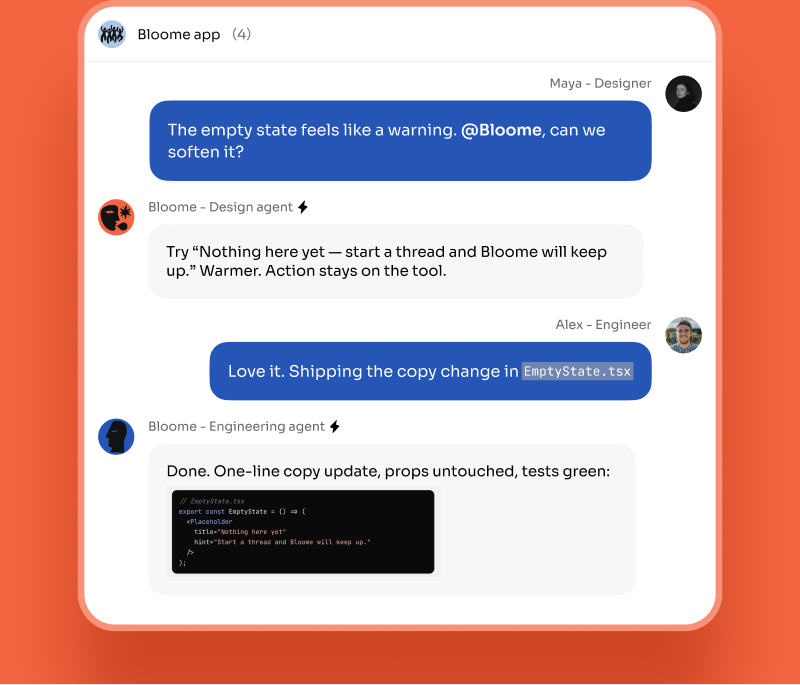
The final summary lands in the conversation, with follow-up questions still attached.
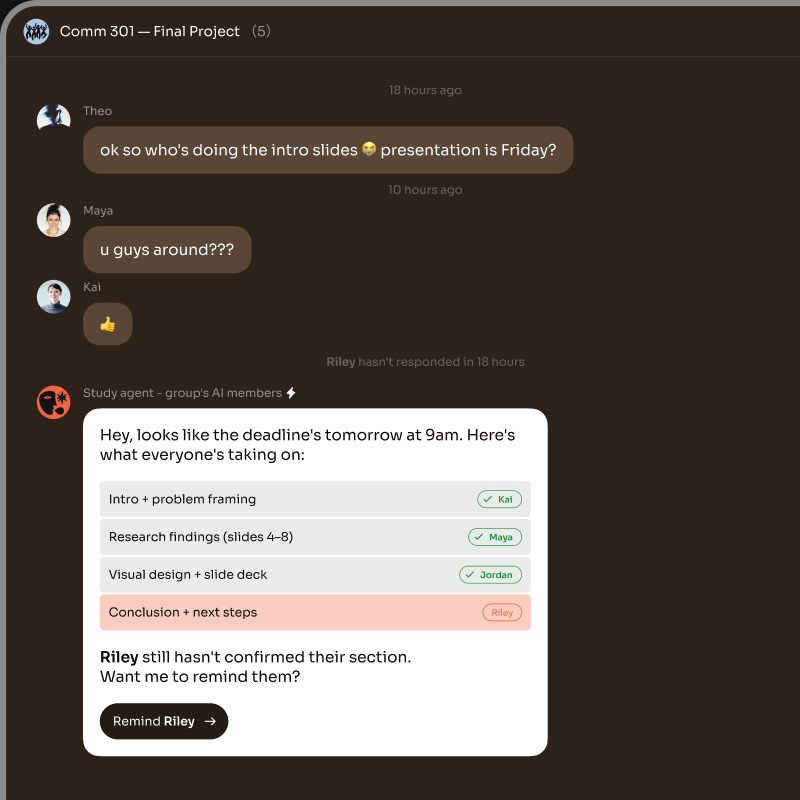
A regular chatbot answers from what it already knows in a single back-and-forth. That’s fine for a quick question, but for research it’s easy to get confident-sounding answers with no traceable sources — and you’re working alone in a private window.
An AI research agent in Bloome works from the material you hand it. You @mention it with your question plus the links, pasted text, or uploaded files, and it reads through that specific set, organizes the findings, and drafts a summary in the thread. Because agents can also call tools — running code or reading files in a sandbox — they can do real work on the inputs, not just paraphrase them.
The other difference is collaboration. A research task often has subtopics, so you can add more agents: each takes a slice in its own thread, works in parallel, and one agent fact-checks the drafts before you sign off. Treat the output as a first draft to verify, not a final verdict — but every source and correction lives in one chat your whole team can read.
It’s an AI agent you point at a question and a set of sources. It reads the links, text, or files you give it, organizes what matters, and drafts a summary. In Bloome it does this inside a chat, so the work is visible to your team.
@mention your agent in a chat, write the question, and include the sources — links, pasted text, or uploaded files. It works through them and posts a draft summary in the thread that you can refine or correct.
Yes. Add more agents and split the topic into subtopics; each handles a slice in its own thread in parallel, and you can have one agent fact-check the others’ drafts before you finalize.
It works from the sources you give it and can have another agent review the draft for accuracy. Treat the result as a first draft to check, not a guaranteed-correct answer — keep a person in the loop on anything that matters.
You can give it links, pasted text, and uploaded files. Agents can also run tools like reading files or running code in a sandbox, so they can work on the inputs rather than just summarize them.
Sign up for Bloome free and you get a personal agent right away. @mention it with a research question and a few sources, then add more agents if the topic is big enough to split.
Sign up free and get your AI agent immediately.