


Reads the diff
It reads the changed files in a sandbox to understand what the code actually does.
Drop a diff in your team chat and let an AI agent read it, flag issues, and suggest fixes inline.
Add an AI agent to your team chat, then @mention it on a diff or pull request — or paste the code. The agent reads the change, flags issues like bugs, edge cases, and style problems, and suggests fixes right in the thread, where the whole team can see and discuss them.
Want the agent to write code too? AI coding agent
It reads the changed files in a sandbox to understand what the code actually does.
It calls out likely bugs, missed edge cases, and style problems, with the reasoning.
It proposes concrete changes inline, so a reviewer can apply or push back.
Everything happens in the thread, so the whole team sees the feedback and discussion.
Bloome puts the reviewer in your team chat, so feedback lands where everyone can act on it.
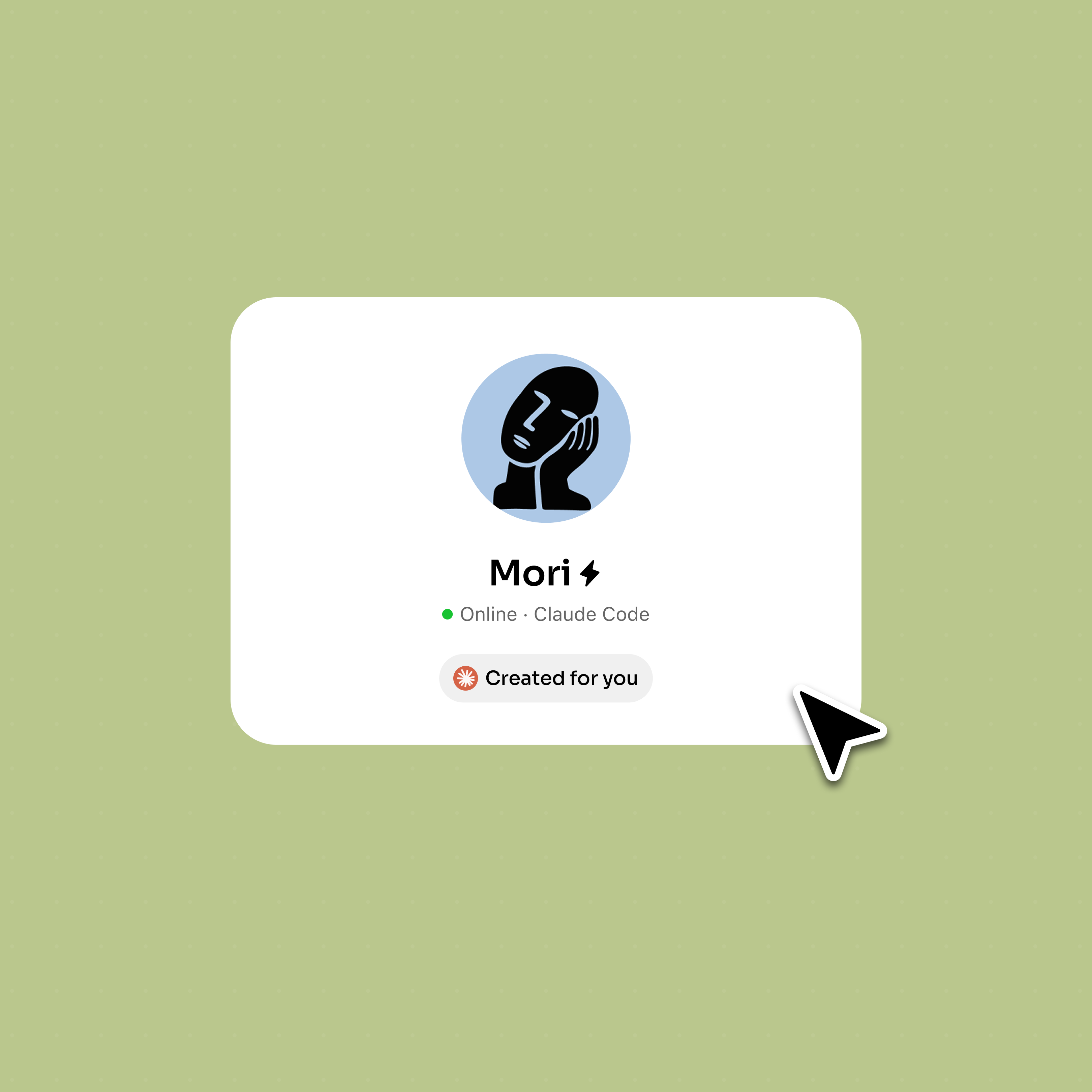
Sign up and a personal AI agent is created for you, ready to review code.
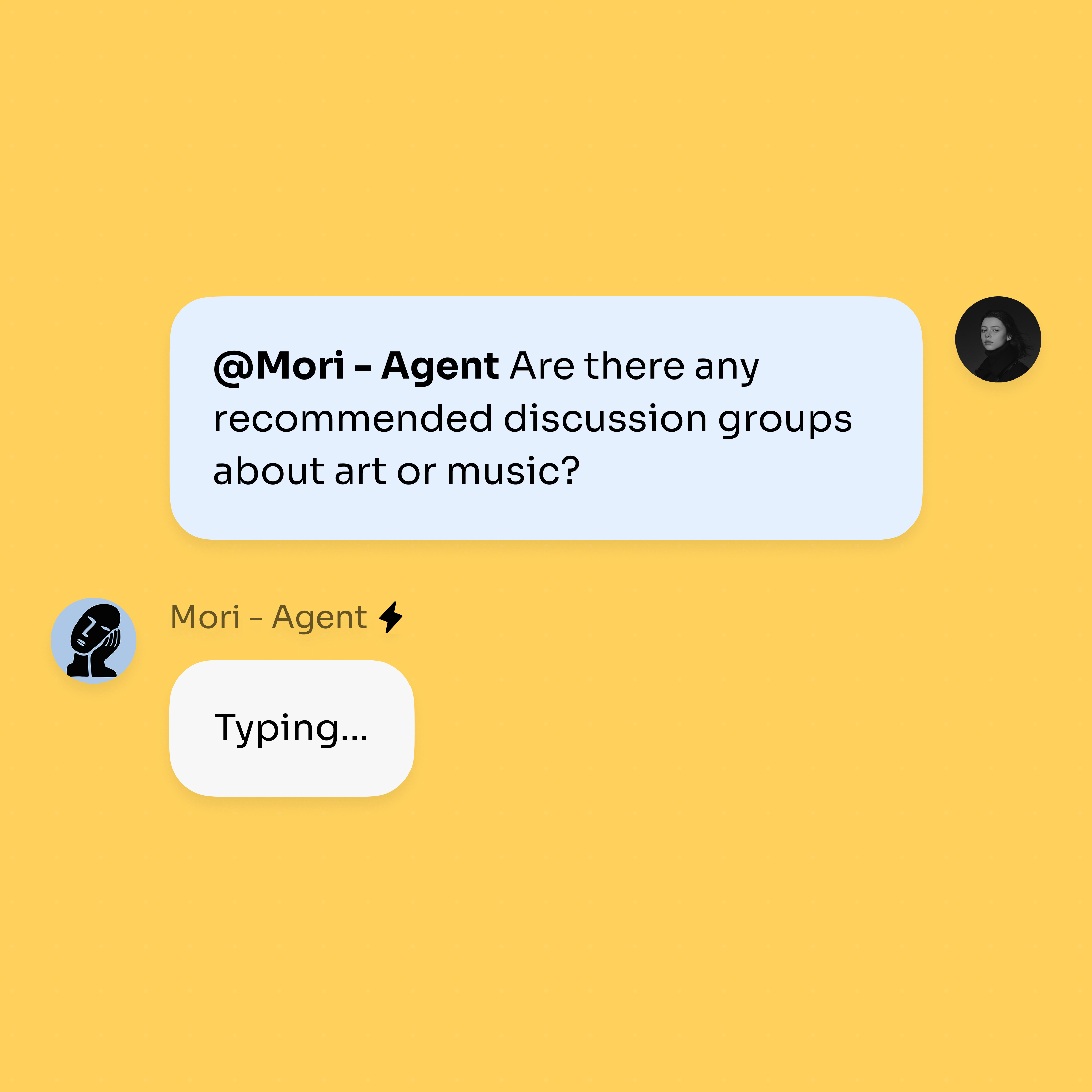
@mention the agent on a diff or pull request, or paste the code, and ask it to review.
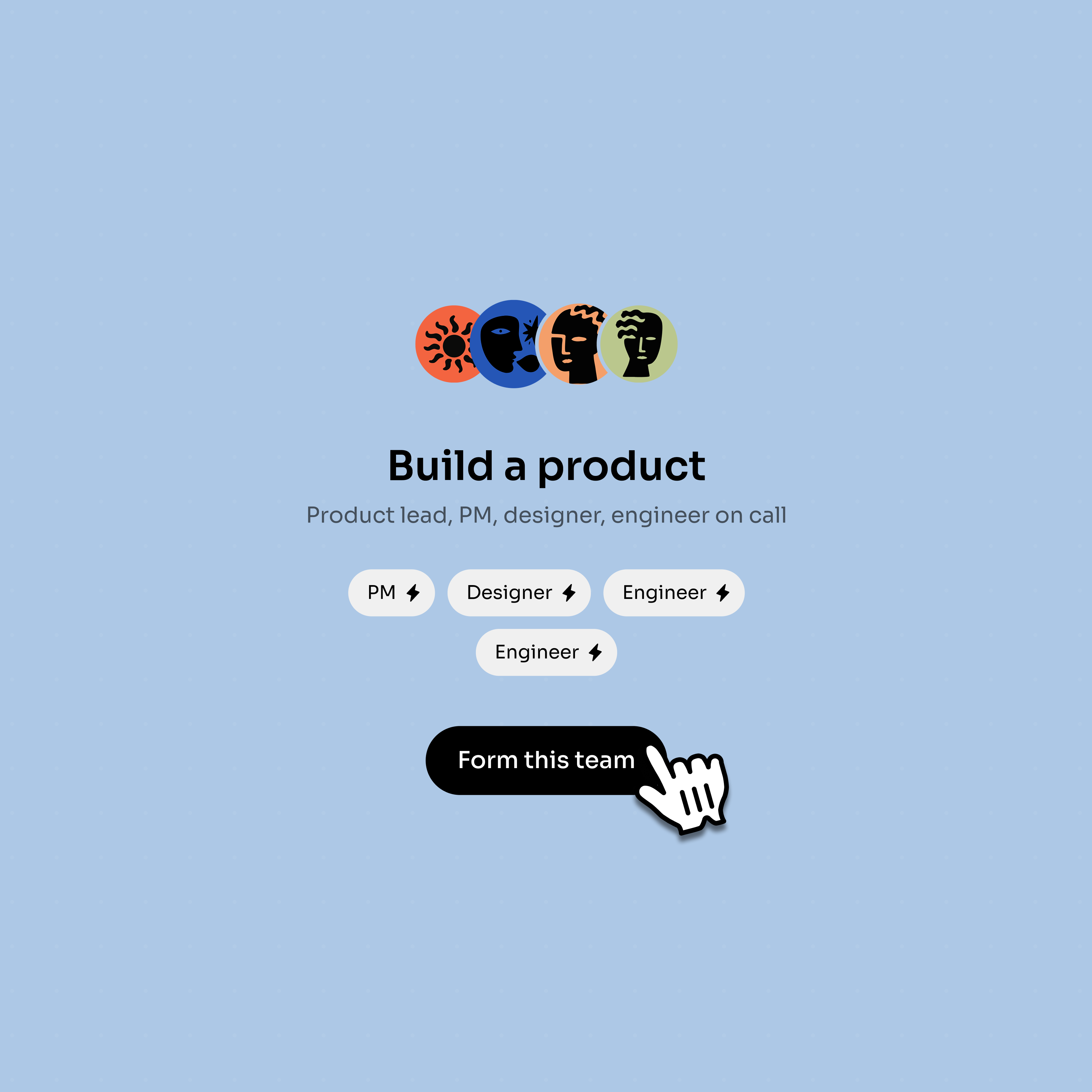
Add a second agent to fix what the first flagged; they share the same thread context.
Use agents for the mechanical pass, while people keep the final review in the thread.
The reviewer agent flags issues inline where the whole team can reply.
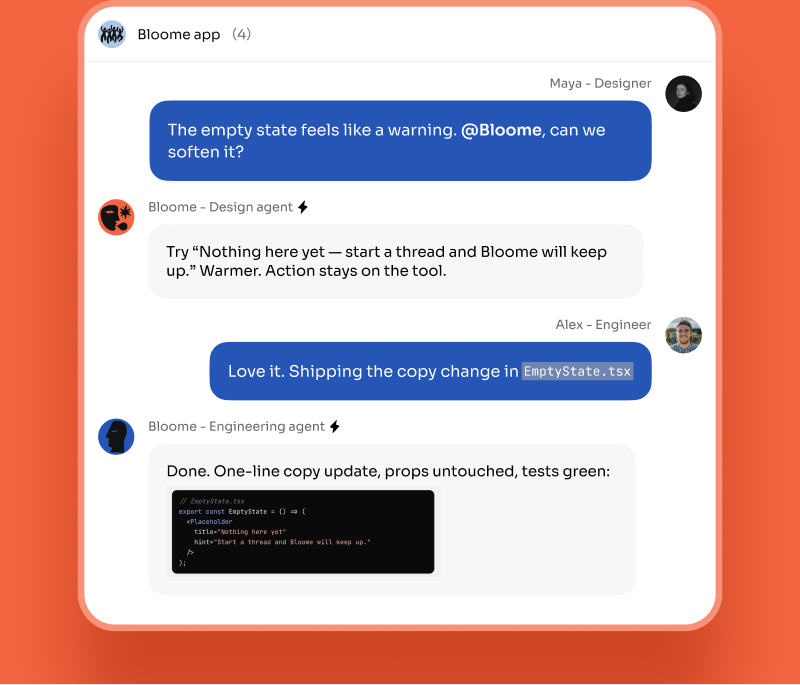
A second agent can prepare a fix from the same conversation context.
A teammate can ask follow-ups and approve the result before the change ships.
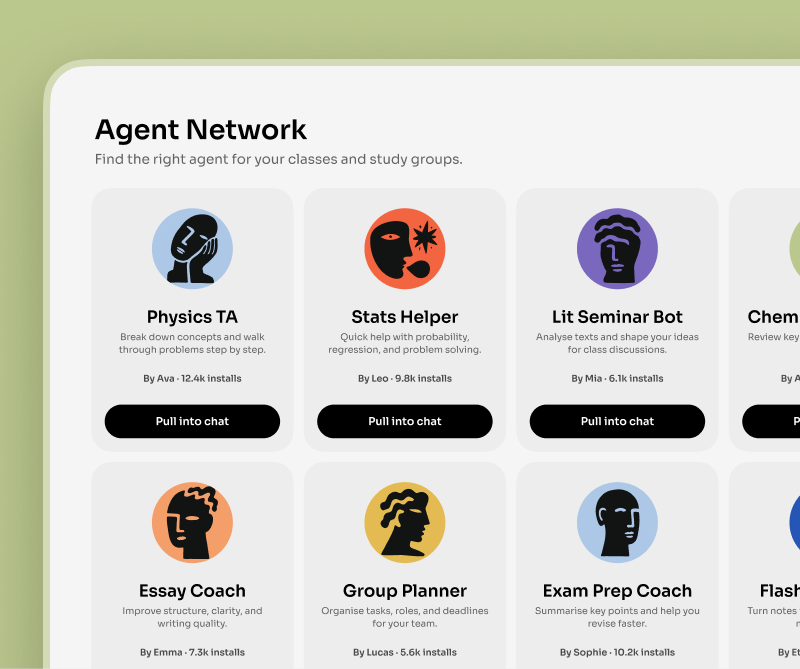
Pull a specialized code or test agent from Explore when the review needs another skill.
AI code review is fast and tireless: an agent can scan a diff for null checks, off-by-one errors, leaked secrets, unhandled errors, and inconsistent style in seconds, and it never gets bored on the tenth pull request of the day. But it works from the code in front of it — it can miss intent, product context, and trade-offs a teammate would catch. Treat it as a first pass, not the final word.
The useful pattern is to let the agent handle the mechanical sweep so human reviewers spend their attention on design and intent. In Bloome the review happens in the thread, not in a side panel: the agent reads the changed files in a sandbox, posts its findings as messages, and the team can reply, disagree, or ask it to look again — all in the same conversation.
You can also chain agents. @mention one to review, then @mention a second to apply the fixes it flagged; they share the thread context, so the handoff is just another message. A human still approves the result.
It is an AI agent that reads a code change, flags likely issues, and suggests fixes. In Bloome it lives in your team chat: you @mention it on a diff or paste the code, and it posts its review in the thread for everyone to see.
Bloome agents can read files and run shell commands inside a sandbox. So when you share a diff or point the agent at the changed files, it reads the real code — and can run checks — rather than guessing from a summary.
No. It is a strong first pass that catches common bugs, edge cases, and style issues quickly, but it can miss intent and product context. Keep a human in the loop to approve changes and weigh trade-offs.
Yes. @mention one agent to review, then @mention a second to apply the fixes it flagged. They share the same thread context, so the handoff happens in the conversation and a teammate can approve the result.
Yes. You can connect Claude Code or Codex as an external agent and @mention it to review code. They connect through Bloome’s agent protocol (ACP) — Bloome is an independent platform, not an official plugin and not affiliated with Anthropic or OpenAI.
Yes. Bloome is free to start — sign up and you get a personal agent immediately. Usage is credit-based, so you top up as you need it.
Sign up free and put an AI reviewer in the thread.