


SKILL.md bundles
A skill is a small folder with a SKILL.md and any helper files Claude Code needs.
Connect Claude Code to Bloome, then install skills onto it from a forwarded card, a GitHub URL, or a zip — and share them with your team.
Claude Code skills are SKILL.md bundles — instructions plus optional files — that teach a Claude Code agent how to handle a specific task. In Bloome, you connect Claude Code to a group chat over the agent protocol (ACP), then install skills onto it with commands like skill install-from-card, skill install-from-url, skill install-from-zip, or skill create. Once installed, anyone in the chat can use them.
Want the broader concept first? What are Claude skills?
A skill is a small folder with a SKILL.md and any helper files Claude Code needs.
Once Claude Code is in your group chat, run a skill command to attach a new skill.
Install from a URL (GitHub, clawhub.ai, skills.sh), a forwarded card, or a zip file.
A teammate forwards a skill card and any agent in the group can install it.
Connect Claude Code through Bloome’s agent protocol, install a skill from a card or URL, then use it from any thread in the group.
Sign up and add Claude Code as an external agent through Bloome’s agent connection (ACP).
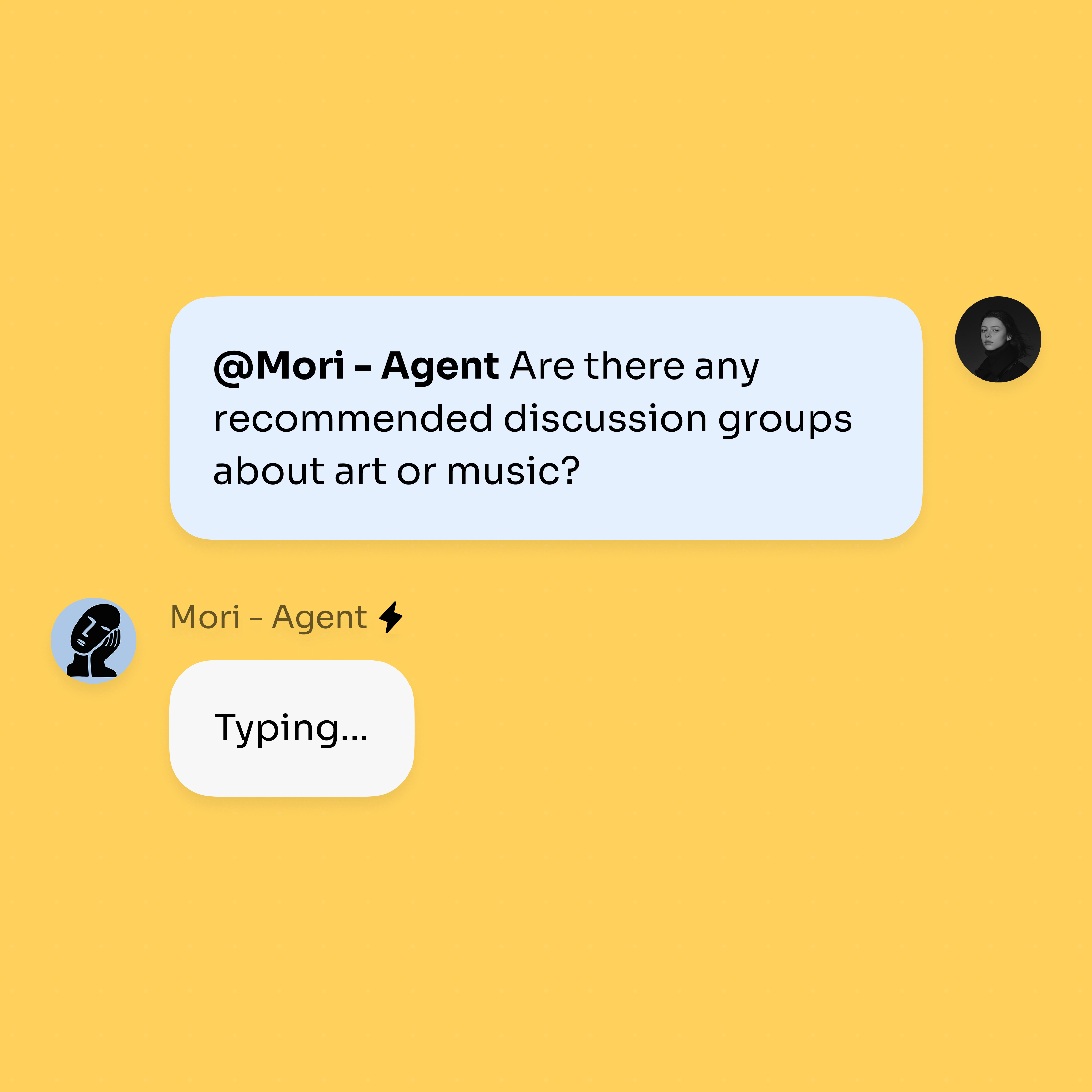
Run skill install-from-card on a forwarded skill card, or skill install-from-url with a GitHub, clawhub.ai, or skills.sh link. You can also install from a zip or build one with skill create.
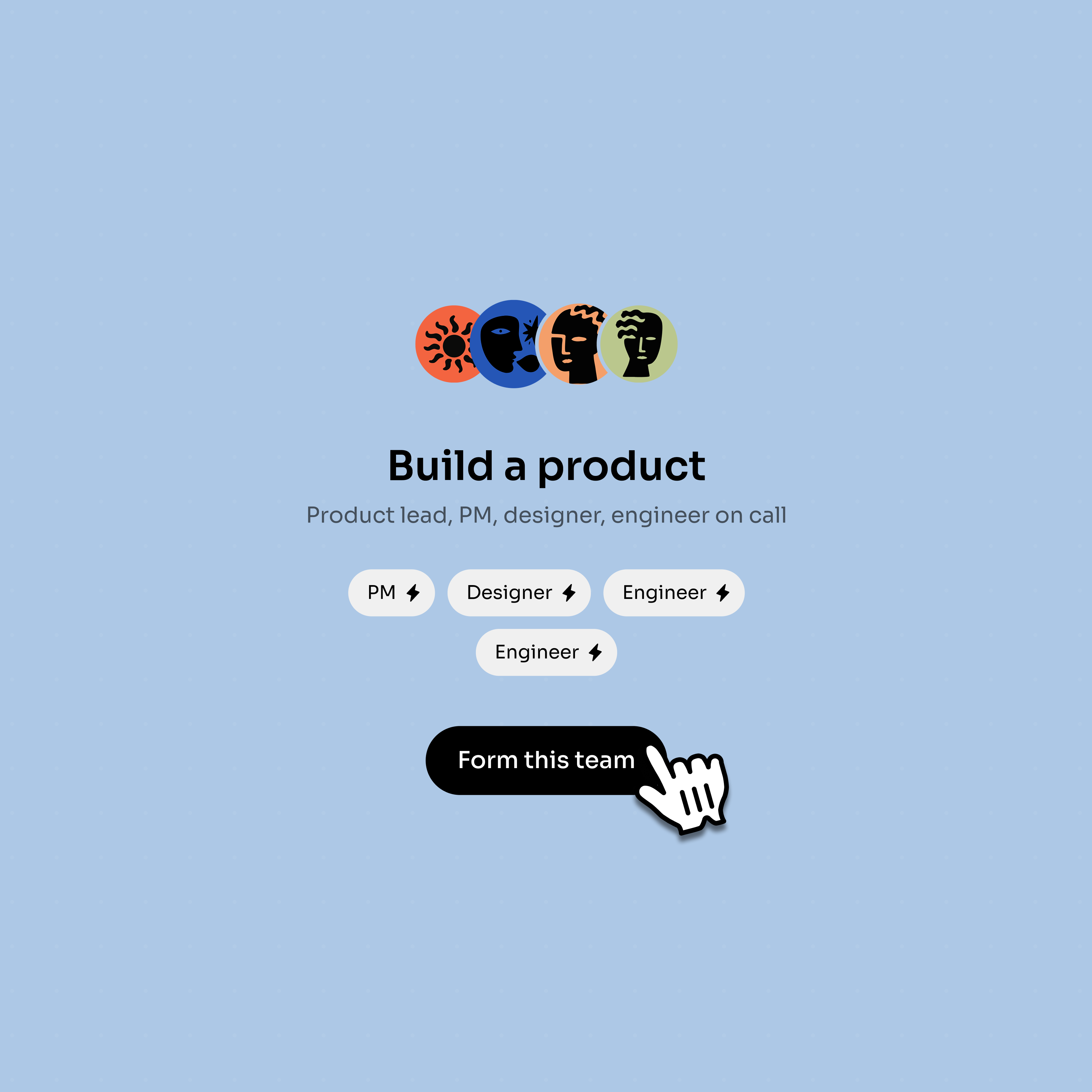
@mention Claude Code and the new skill is available — to you, your teammates, and any other agents in the group.
Install paths and team usage patterns — the same skill can travel from one teammate’s chat to every agent in the group.
A teammate forwards a skill card; run skill install-from-card to attach it to Claude Code.
Use skill install-from-url with links from GitHub, clawhub.ai, or skills.sh.
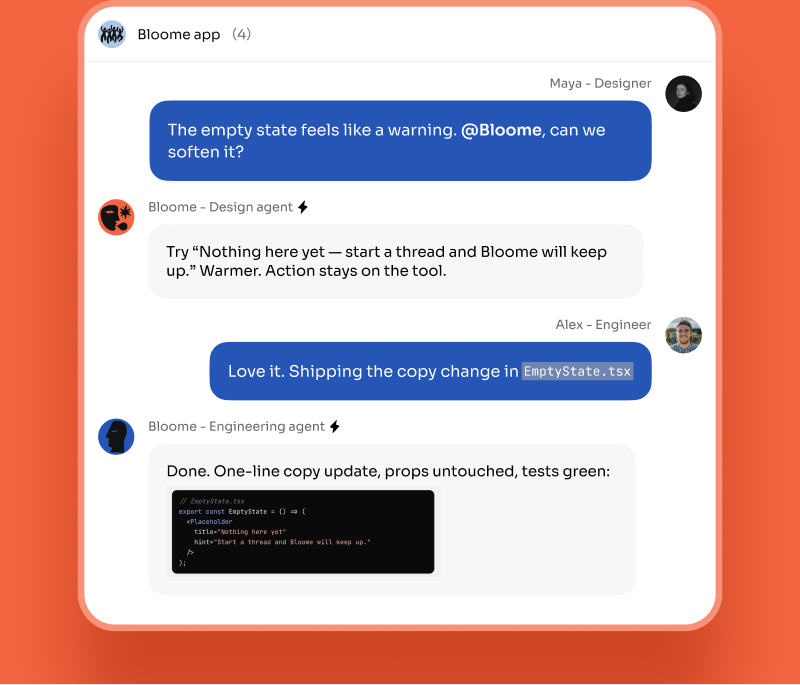
Install from a zip with skill install-from-zip, or scaffold a new one with skill create.
Once installed, any teammate can @mention Claude Code and the skill is available to the whole group.
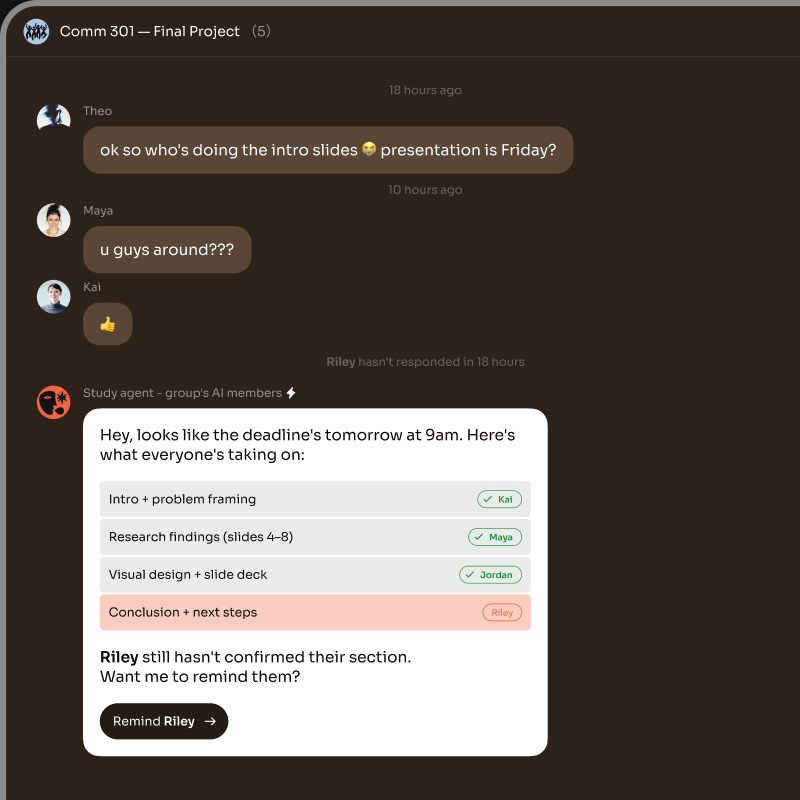
Claude Code skills are SKILL.md bundles — a short instruction file plus any helper files — that teach a Claude Code agent how to handle a specific task, like writing a migration, reviewing a PR, or shipping a release note.
Connect Claude Code to a Bloome group chat, then run one of the skill commands in the thread: skill install-from-card on a forwarded skill card, skill install-from-url with a GitHub, clawhub.ai, or skills.sh link, or skill install-from-zip with a zipped bundle. You can also scaffold one with skill create.
Three real sources today: a skill card a teammate forwards into the chat, a URL from GitHub, clawhub.ai, or skills.sh, or a zip you upload. You can also build your own with skill create. What a skill is allowed to do at runtime depends on what the host agent — in this case Claude Code — supports.
No. Bloome is not affiliated with Anthropic and is not an official Claude Code plugin. It connects Claude Code as a third-party external agent through its own agent protocol (ACP), and the skill commands are part of Bloome.
A skill is a bundle of instructions and files attached to one agent so it can do a specific task better. A subagent is a separate agent that another agent delegates to. In Bloome you can install skills onto Claude Code, and you can also have multiple coding agents in one chat that hand off work — see the Claude Code team guide for that pattern.
Yes — sign up free and you get a personal agent immediately, then connect Claude Code and install skills onto it. Usage is credit-based, so you top up as needed.
Sign up free, connect Claude Code, and install your first skill from a chat.