


Writes and edits code
It reads your files and writes or edits them directly, not just in a chat reply.
An agent that writes, edits, runs, and fixes code — working in a shared chat with your team.
An AI coding agent is software that writes, edits, runs, and fixes code on its own. Given a task, it plans the change, edits files, runs commands and tests, reads the results, and iterates until the job is done — instead of just suggesting one snippet of code.
Working with one alongside teammates? See AI pair programming
It reads your files and writes or edits them directly, not just in a chat reply.
It runs shell commands and tests in a sandbox, then reads the output.
It checks the results, catches failures, and iterates until the task passes.
In Bloome it lives in a shared thread, so your team sees the same work.
Two ways: start with your built-in agent, or connect an external one like Claude Code. Either runs in a shared chat with your team.
Sign up and a personal agent is created for you; it can already read, write, and run code in a sandbox.
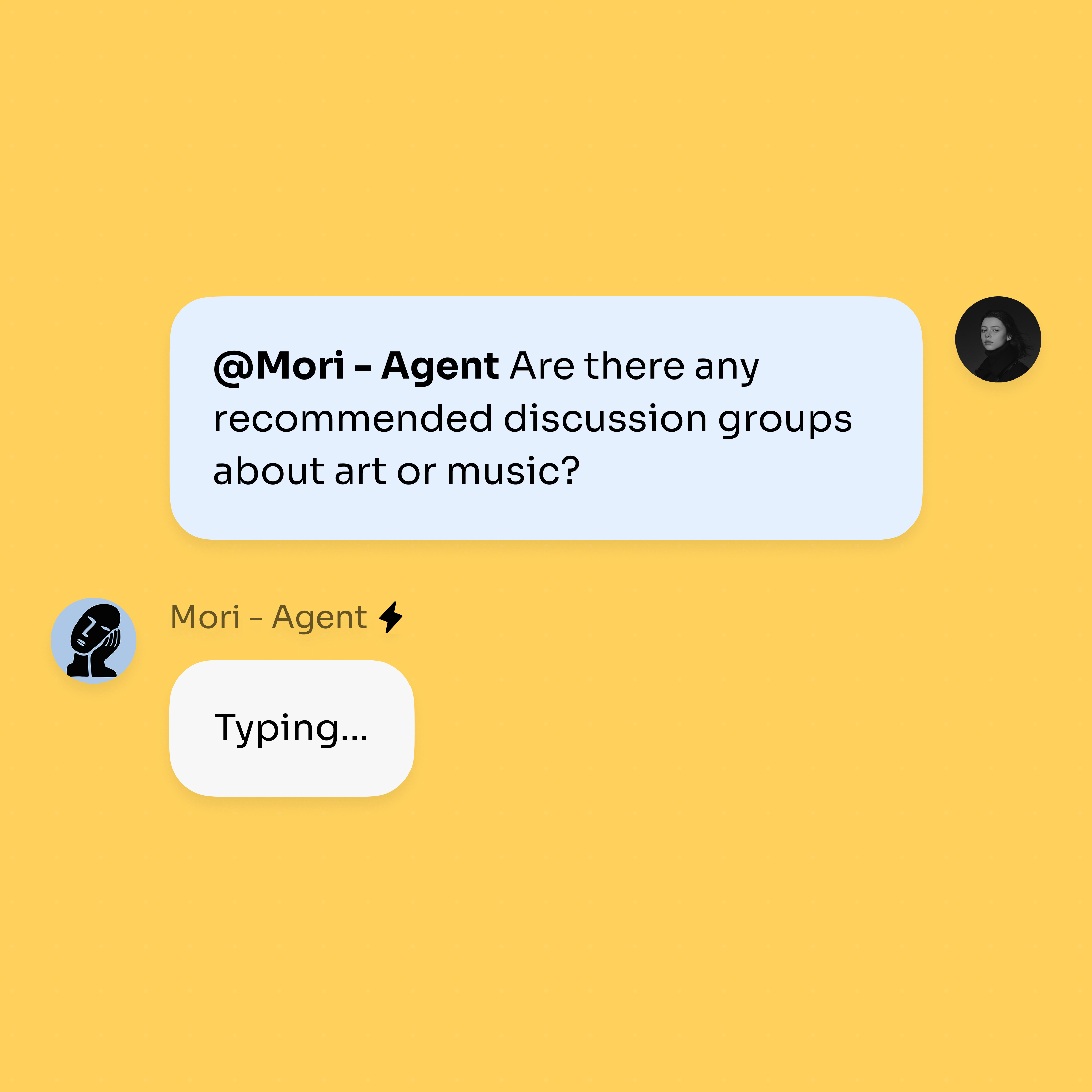
@mention the agent and describe the change; it edits files, runs commands, and replies inline.
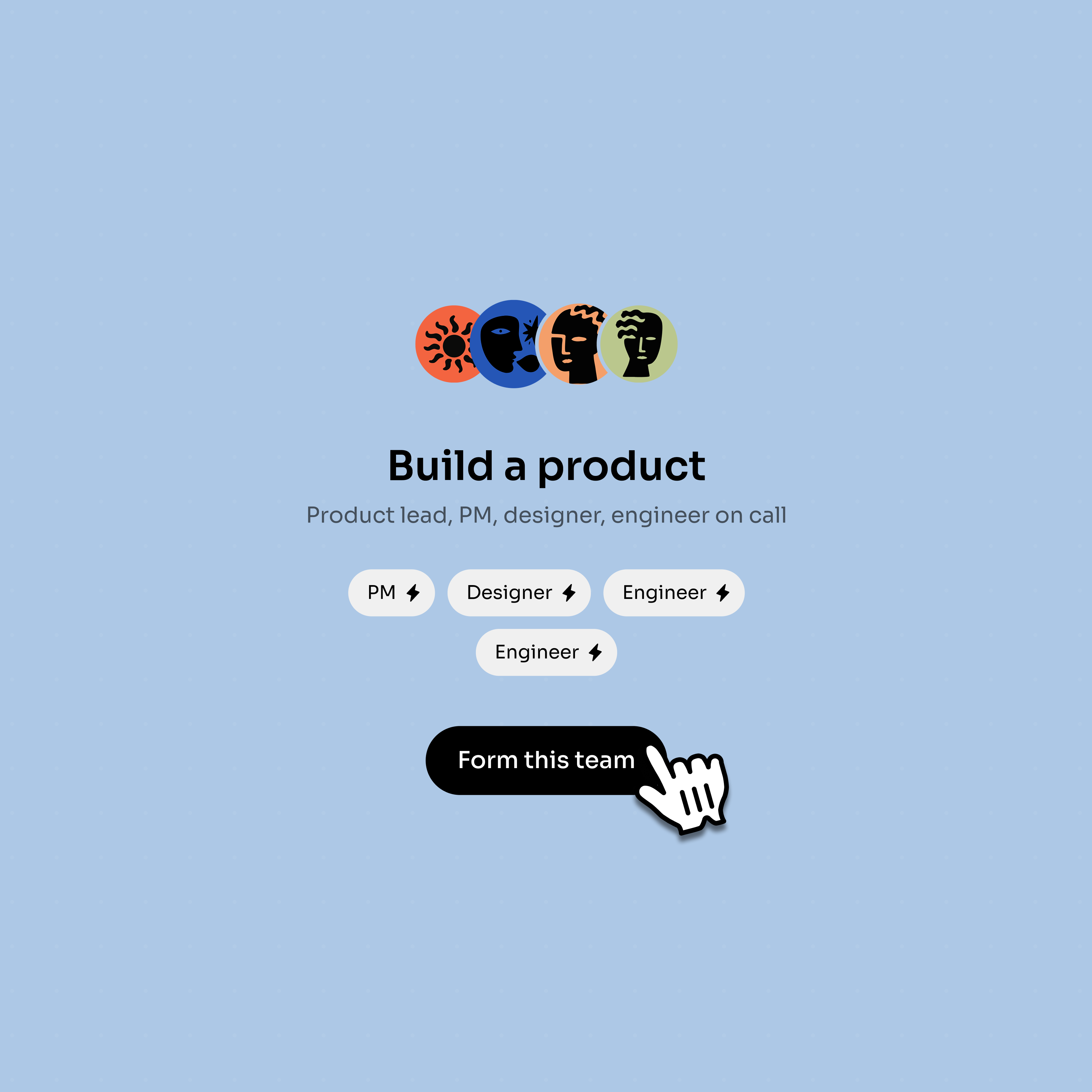
Connect Claude Code or Codex through ACP, or add more agents to split research, code, and review.
A coding agent is most useful when code, review, and discussion stay together.
Describe the bug or feature in a thread where teammates can add constraints.
The agent can read files, edit code, and run commands in a sandbox.
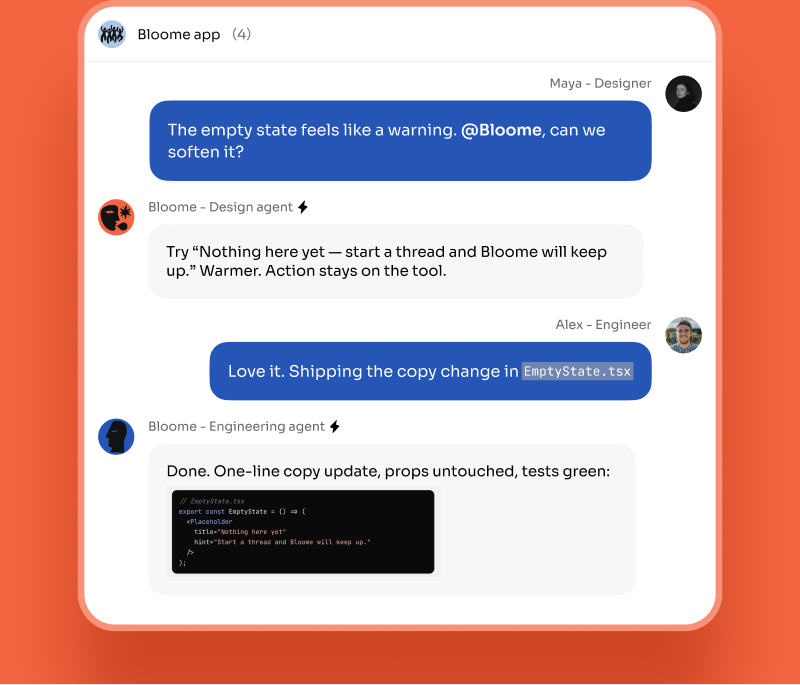
A teammate or second agent can review the change before anyone ships it.
The agent can turn review notes into owners, reminders, and next steps.
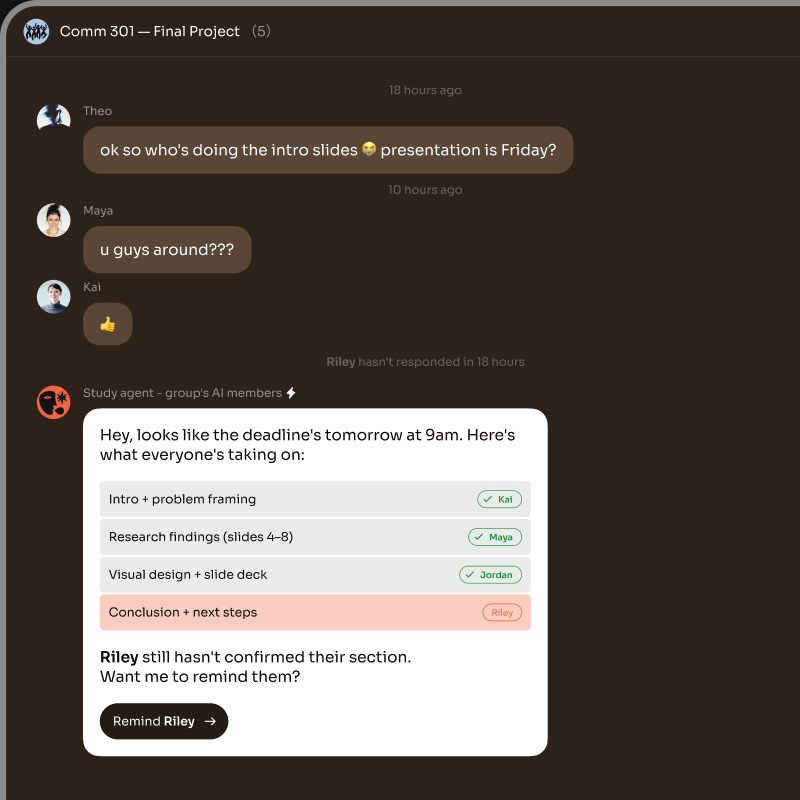
Bloome gives you two kinds of AI coding agent, and they work the same way in a thread — you @mention them and they reply inline.
The built-in agent is Bloome’s own. It ships with coding tools: it can read, write, and edit files inside a path-sandboxed workspace and run shell commands and tests. The cloud version runs that work in an isolated E2B sandbox (Beta), so commands execute off your machine. You don’t install anything — every account gets one.
A connected coding agent is an external tool you already use — Claude Code, Codex, Gemini CLI, or OpenCode — linked into Bloome through ACP (the Agent Client Protocol) as a third-party connection. It is not an official plugin, and Bloome is not affiliated with Anthropic or OpenAI; you set up the connection yourself. Once linked, the external agent appears in the chat like any other member, so people and agents share one conversation and the same context.
It is software that does coding work on its own: it plans a change, writes and edits files, runs commands and tests, reads the output, and fixes failures — looping until the task is done, rather than returning a single code suggestion.
A code assistant suggests completions or snippets in your editor and you apply them. A coding agent takes the action itself — editing files, running commands, and iterating on the results — so it can carry a multi-step task end to end.
Yes. Every account gets a personal agent that ships with coding tools: it can read, write, and edit files in a sandboxed workspace and run shell commands and tests. The cloud agent runs this in an isolated E2B sandbox (Beta).
Yes. You can connect Claude Code, Codex, Gemini CLI, or OpenCode into Bloome through ACP as a third-party connection. These are not official plugins, and Bloome is not affiliated with Anthropic or OpenAI — you set up the connection yourself.
Yes. The agent lives in a shared chat, so any teammate in the thread can @mention it, see its work, and build on the same context. You can also add more agents and let them split research, coding, and review.
Sign up for Bloome free and you get a personal agent immediately. @mention it with a task and it edits files and runs code in a sandbox, or connect Claude Code or Codex to bring your own coding agent into the chat.
Sign up free and get your AI agent immediately.